Hi, this is Takazudo. I’ve been writing various articles as columns. The first and second columns were about DIY, but this time I’ll write about the compact mixers we carry. It’s a story about circuits and sound.
Specifically, this is about the following mixers we carry:
- AI Synthesis: AI106 West Coast Mixer Introduction
- AI Synthesis: AI022 Harmonic Mixer Introduction
- ADDAC System: ADDAC713 Stereo Discrete Mixer Introduction
- Disclaimer
- What This Article Covers
- The Background
- What Does Audio Clipping Mean?
- The Difference Between Sine and Square Waves
- How Different Mixers Compare
- Mixers and Sound Design
- Products Featured
Disclaimer
First, I should note that I haven’t received any formal music education, and my knowledge of circuits comes from self-study. So much of this article is written based on feel and intuition. Please read it with that in mind, and if I’ve said anything incorrect, I’d appreciate corrections via X or other channels.
What This Article Covers
Here’s what I’d like to introduce in this article:
- What it means for audio to clip
- The difference between sine waves and square waves
- How different mixers compare
- Mixers and sound design
Let’s dive in.
The Background
First, some context: I noticed we didn’t have any mixers in our shop, and I wanted some myself, so I stocked these two from AI Synthesis. They seemed interesting.
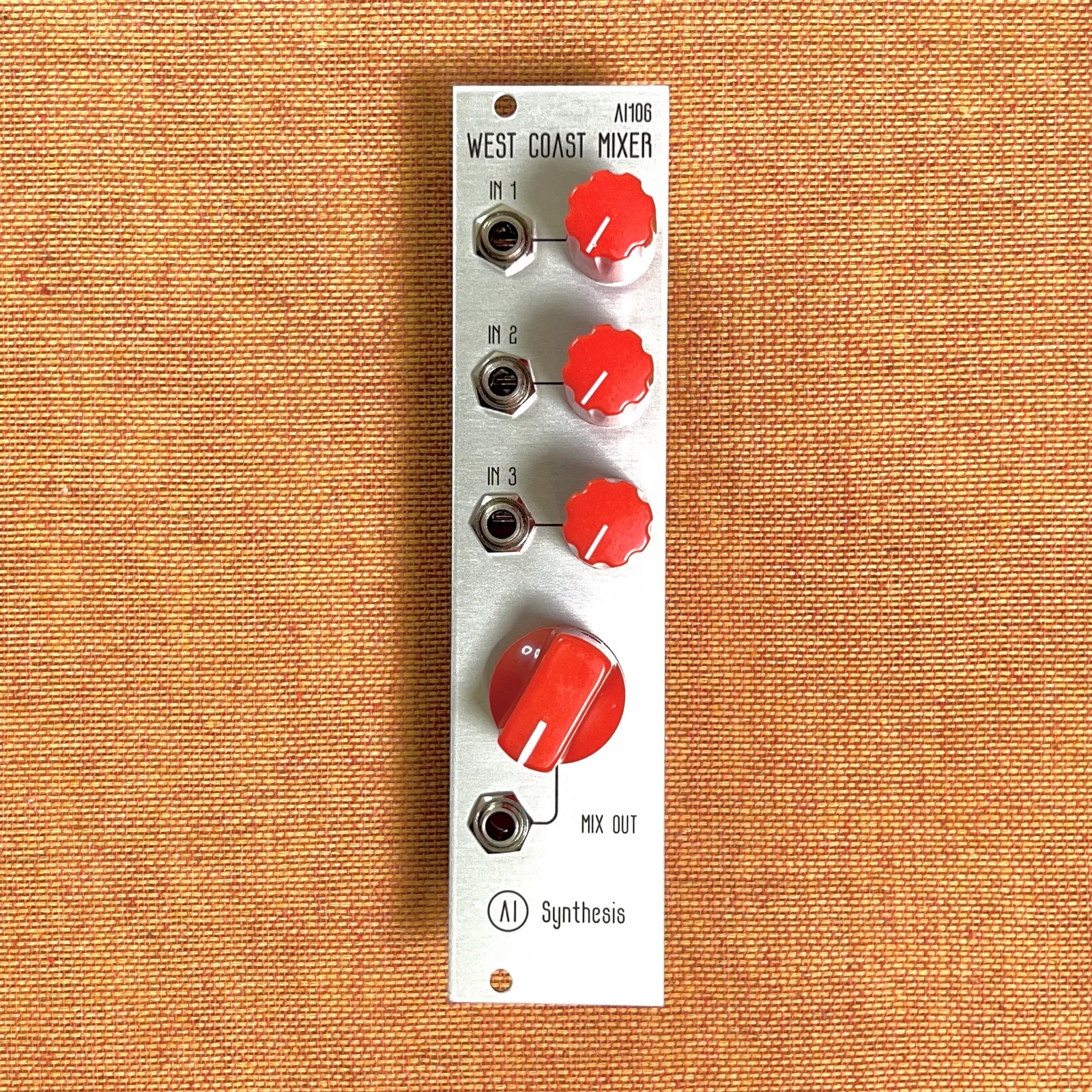
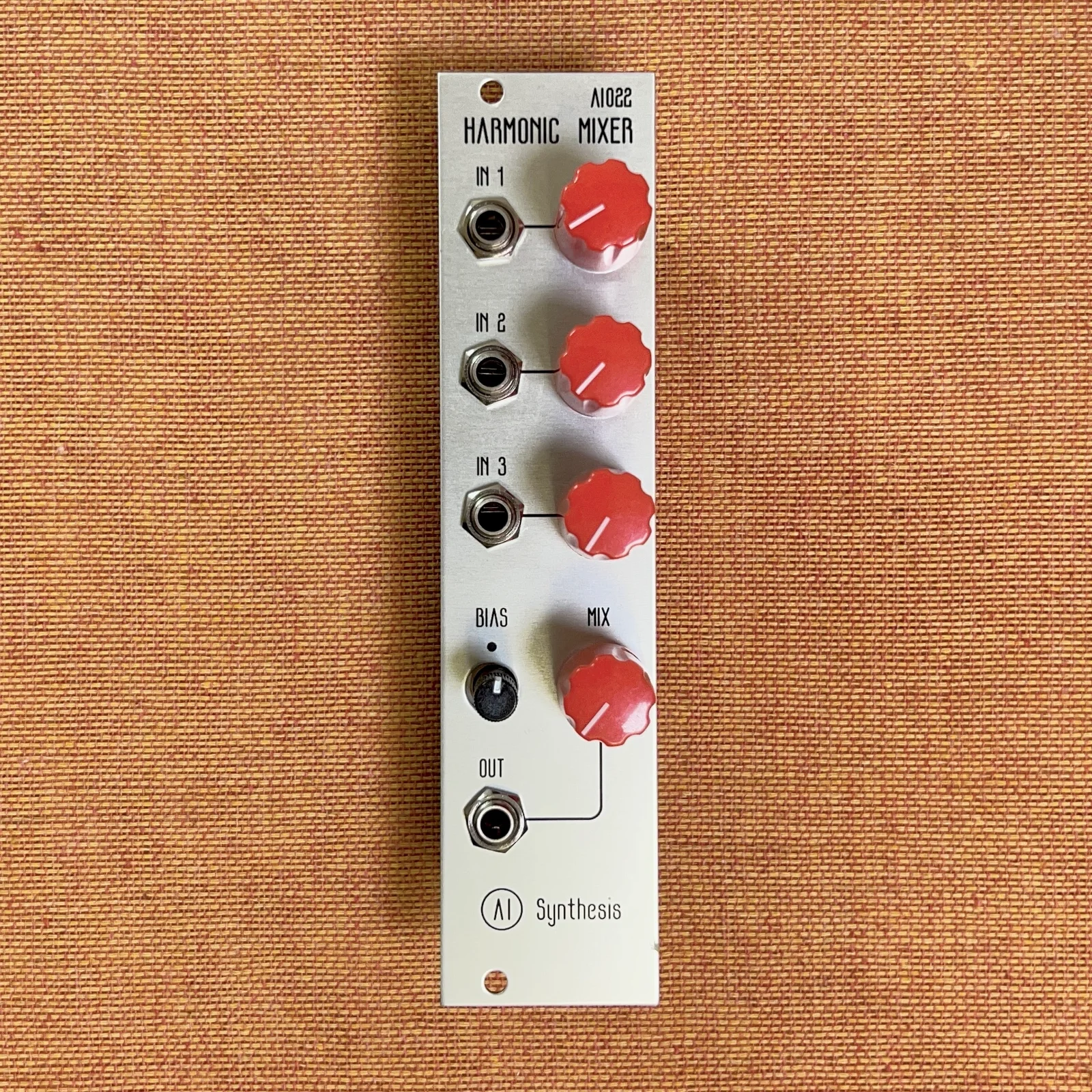
Initially, I just planned to use them to submix hi-hats and such before sending them to delay effects. But these two — while they look similar — actually produce quite different results when mixing signals.
Hmm? What’s going on? — I started investigating and found it quite fascinating. What it comes down to is that these mixers intentionally clip the audio to transform the original sound.
After that, wanting a plain stereo mixer, I stocked the following:
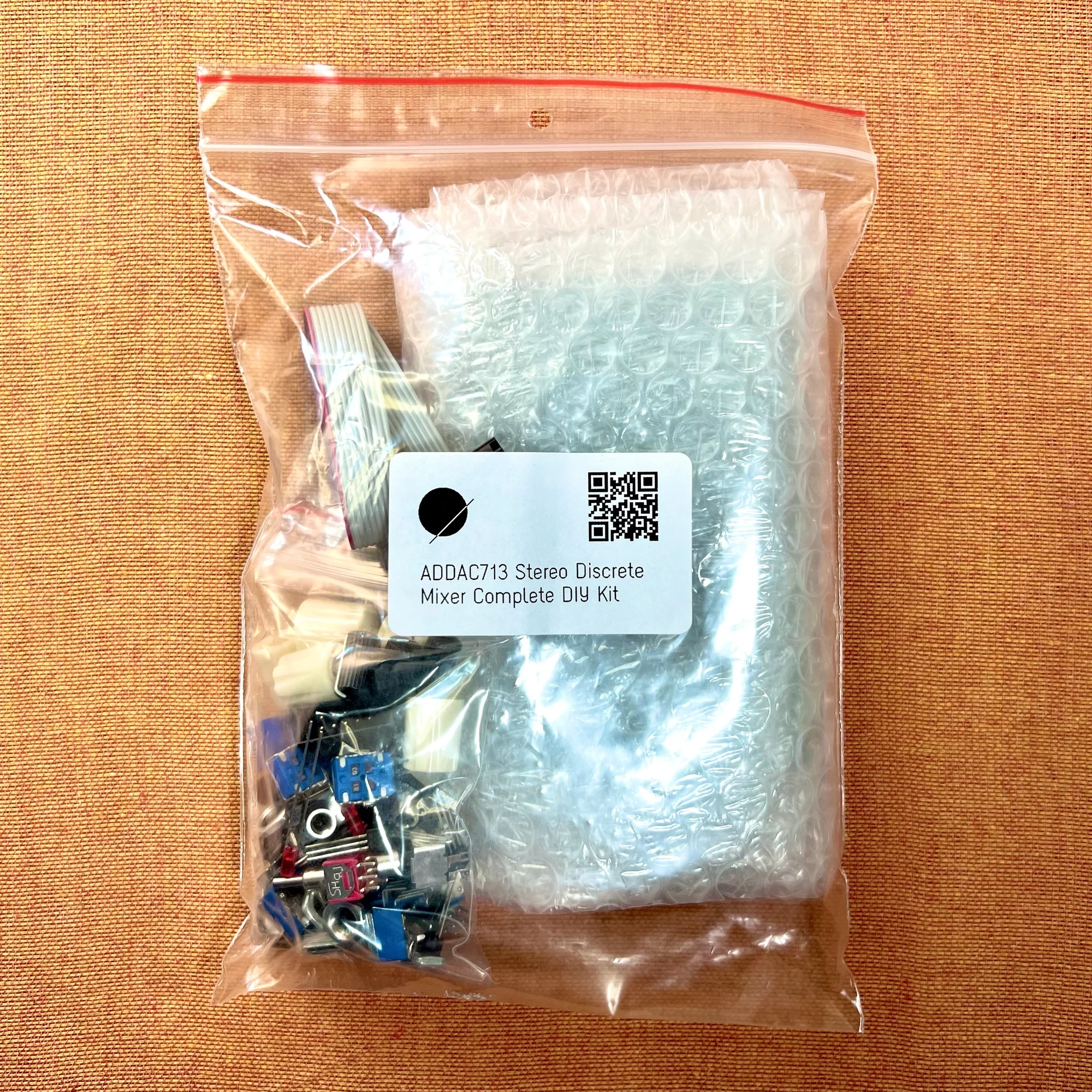
And this one turned out to have a similar character. At the time of writing, only the DIY kit is in stock.
I find this really interesting, so I wanted to share it.
What Does Audio Clipping Mean?
So I want to introduce these mixers, but first let me touch on what it means for audio to clip.
Generally speaking, clipping is not a good thing. When listening to music, clipping occurs when, for example, you try to play audio at excessively high volume through a very small speaker. You’re trying to make the sound louder than the speaker can handle, so the information in the original audio data gets lost. Illustrated, it looks like this:
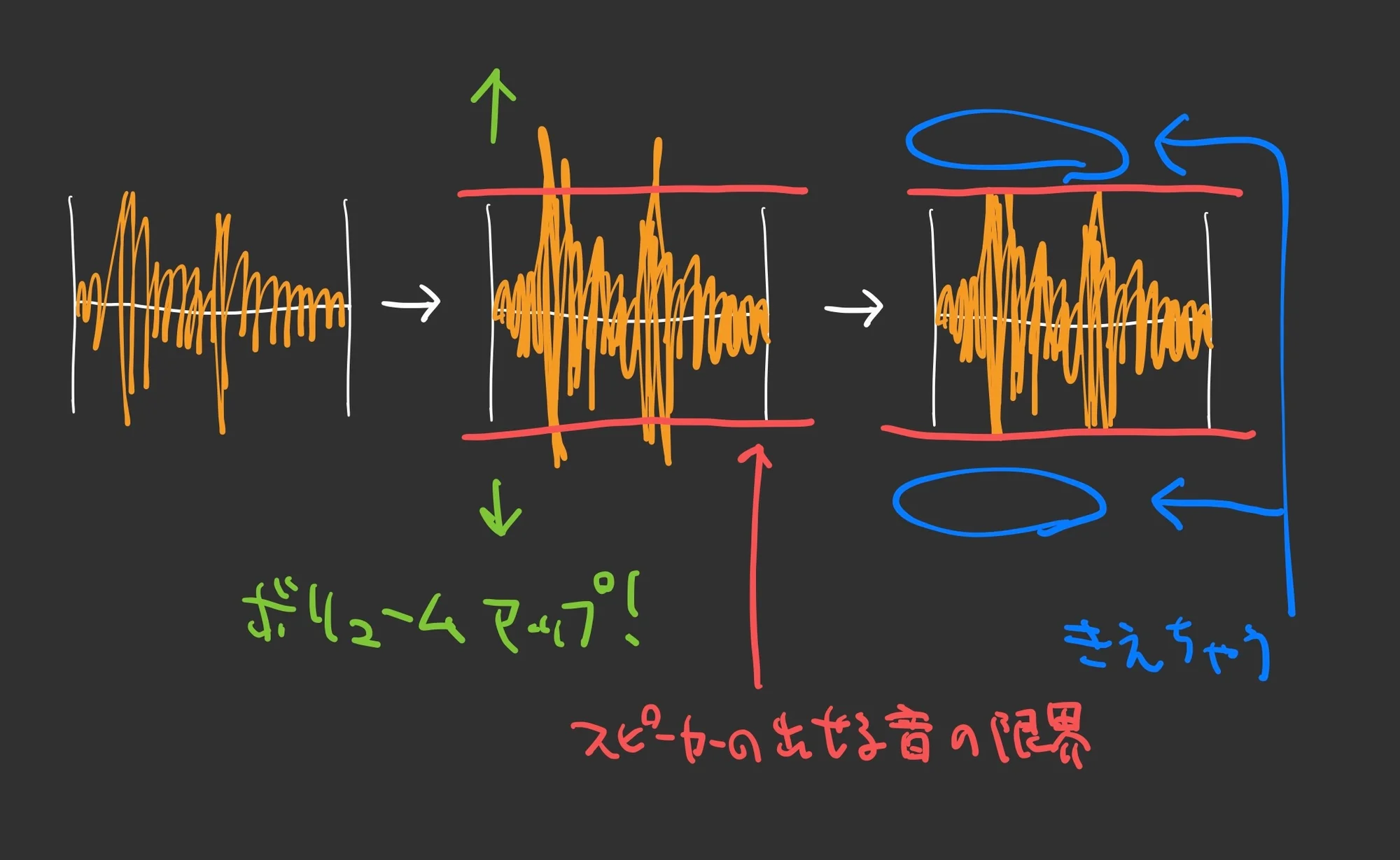
A speaker works by moving its cone according to the waveform, displacing air that reaches our eardrums to reproduce sound. When you try to output sound that exceeds the cone’s range of movement, anything beyond that range simply gets cut off.
When working in a DAW, the meter turns red when clipping occurs. The sound becomes distorted — this is what we call clipping, a state where the audio is distorted.
The Difference Between Sine and Square Waves
Let’s look at what happens when you increase the volume of a sine wave until it clips.
Here’s a demo video I prepared, created with miRack.
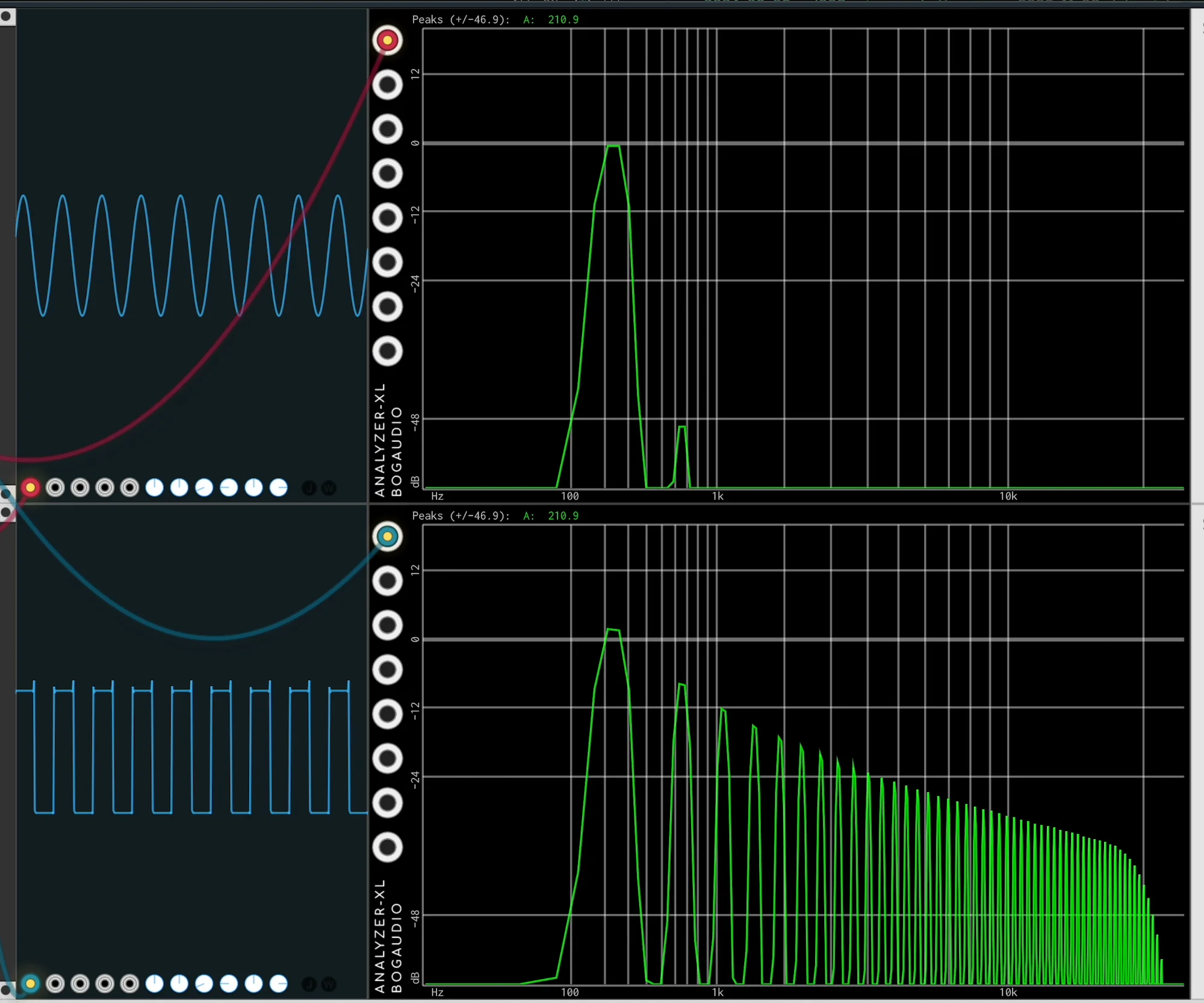
In this video, a sine wave is assigned to the left channel and a square wave to the right, with the sine wave’s volume increased. On screen, the top shows the sine wave, the bottom shows the square wave, and the black display in the middle shows the frequency distribution. Higher frequencies are to the right, lower to the left, and the height represents the strength of each frequency component.
This topic could get quite lengthy, so I won’t go into too much detail, but here’s what I want you to notice:
First, with a pure sine wave, the frequency components are concentrated at a single point. The square wave, on the other hand, has lots of frequency components in the higher range. These are at the same pitch, but they have these different characteristics.
Now, let’s increase the sine wave’s volume. This volume change includes a bit of the clipping I described earlier. (Specifically, the clipping effect brought about by the VCAMP module used in miRack.) What happens is…
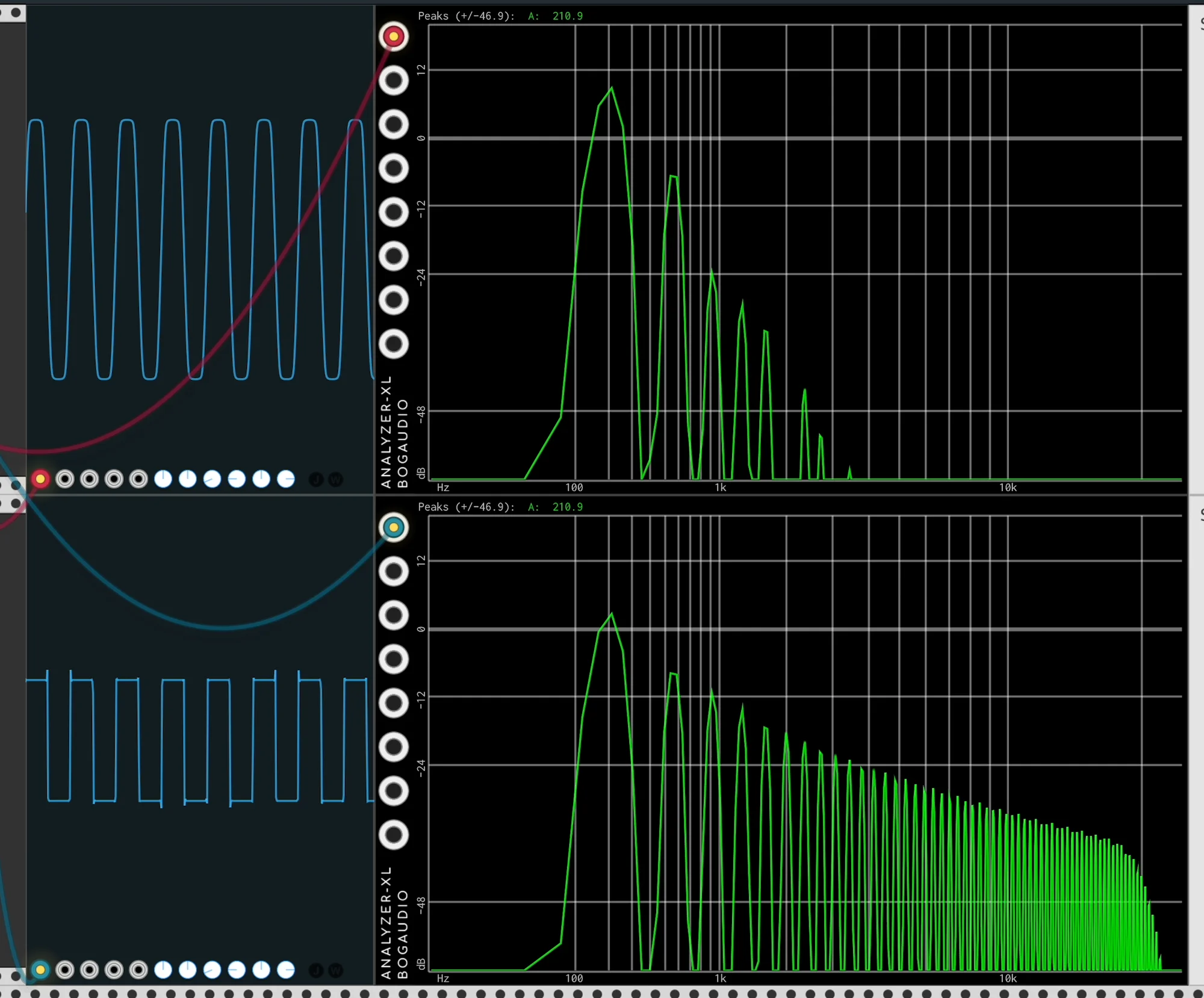
The waveform is no longer a perfect sine wave. It’s become slightly angular. And there are changes in the frequency components too.
If we increase the volume even further to clip more…
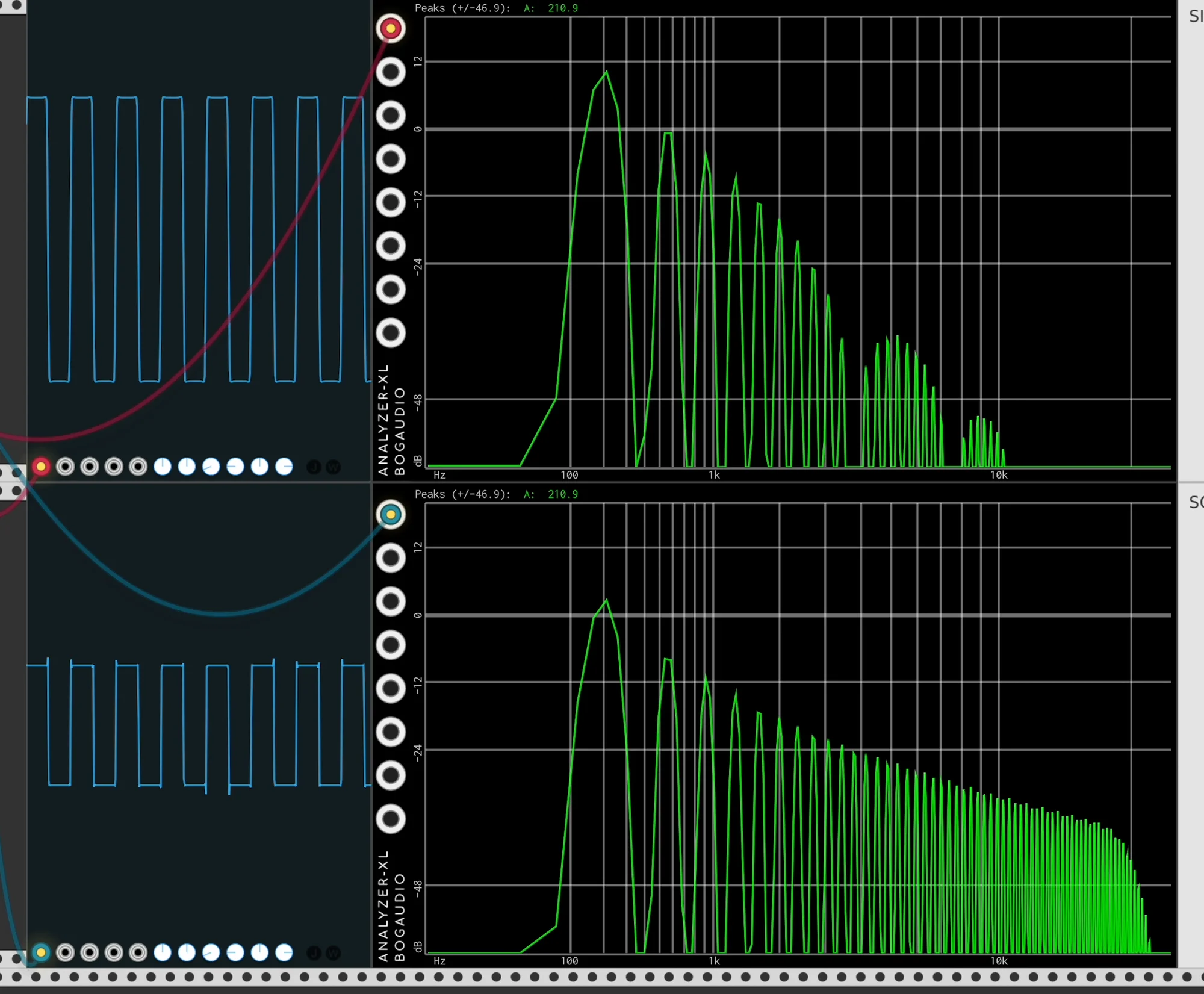
What a surprise — it’s nearly become a square wave.
In other words, when you forcefully clip a sine wave, it approaches a square wave. Please watch the video too. The sound you hear is essentially a square wave.
How Different Mixers Compare
So cranking up the volume to clip the signal has the property of transforming the input sound. What’s interesting is that the character of the clipping varies considerably depending on the components used. The three mixers mentioned at the beginning are each designed with different circuits:
- AI Synthesis: AI106 West Coast Mixer Introduction
- AI Synthesis: AI022 Harmonic Mixer Introduction
- ADDAC System: ADDAC713 Stereo Discrete Mixer Introduction
Among them, transistors are used for signal amplification, and the type and usage differ between each.
To compare these differences, I recorded the following video. Let’s examine it in detail.
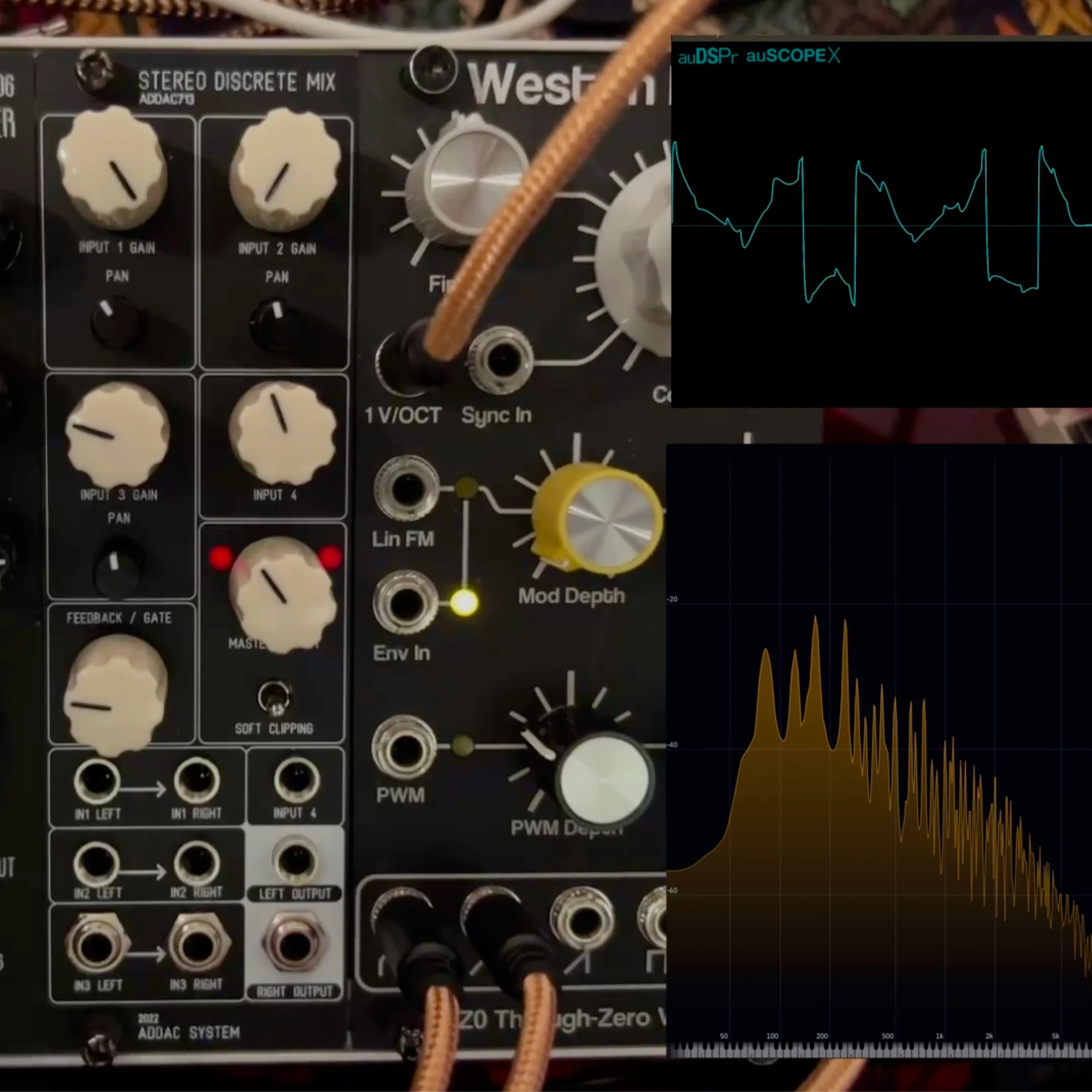
In this video, three outputs from the TZ0 Thru-Zero Oscillator are sequentially mixed through each mixer, then passed through DPLPG to play similar phrases. Listen through it first. The differences are most noticeable at higher volumes. (At lower volumes, there’s no clipping.)
The mixers are swapped in this order:
- AI106 West Coast Mixer
- AI022 Harmonic Mixer
- ADDAC713 Stereo Discrete Mixer
1. AI106 West Coast Mixer
You might need to listen quite carefully to notice the differences, but let’s go through them in order.
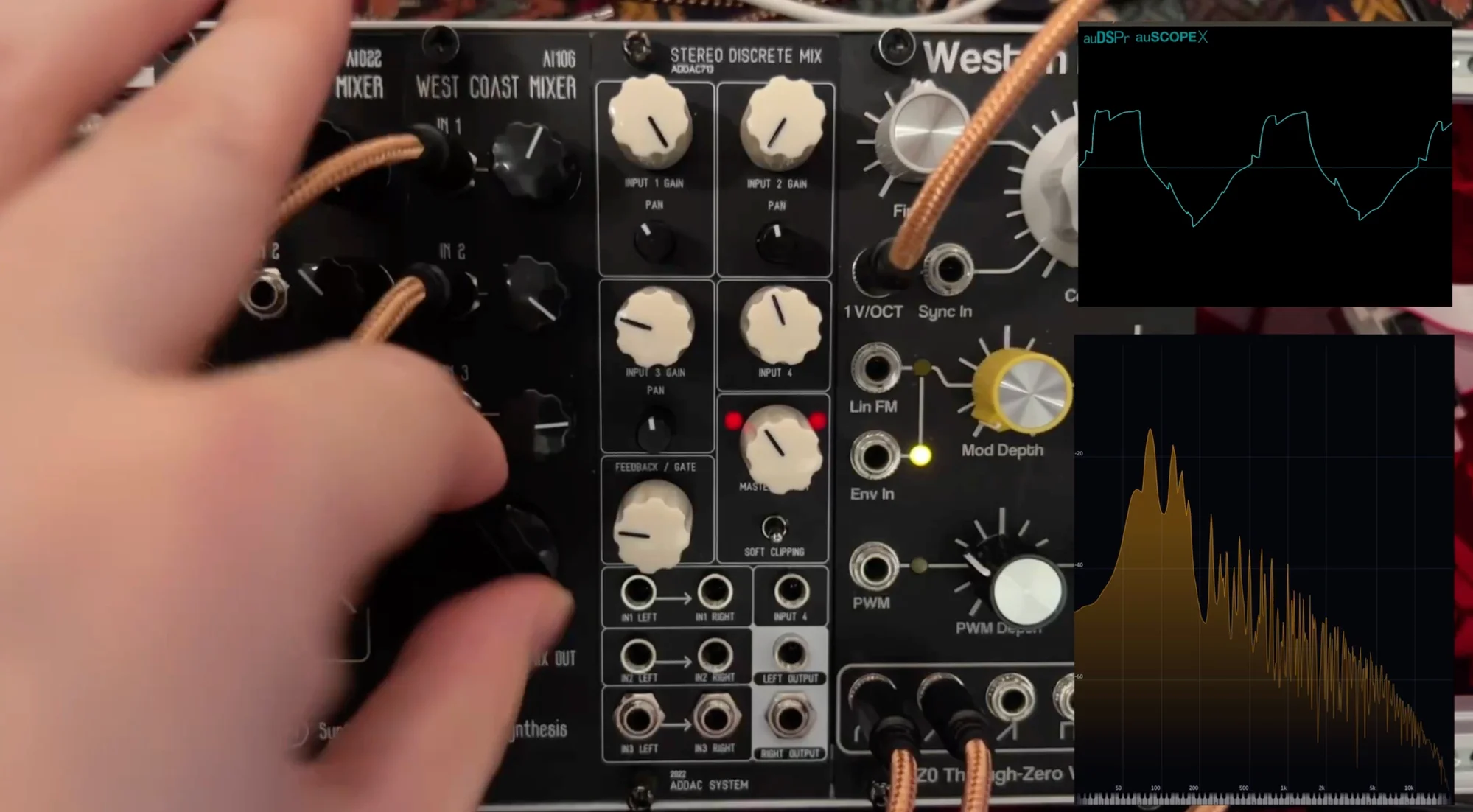
The first one uses the AI106 West Coast Mixer. Among these three, this mixer produces what I feel is the softest transformation.
Based on the clipping explanation so far, you might expect the waveform to be chopped off sharply, but doesn’t it seem like it retains a slightly rounded shape? I apologize for being so subjective, but if a square wave represents complete clipping, I, Takazudo, feel this one has a somewhat softer clipping character.
Looking at the AI106 schematic (reference: Build Guide), the component handling this processing appears to be the following transistor:
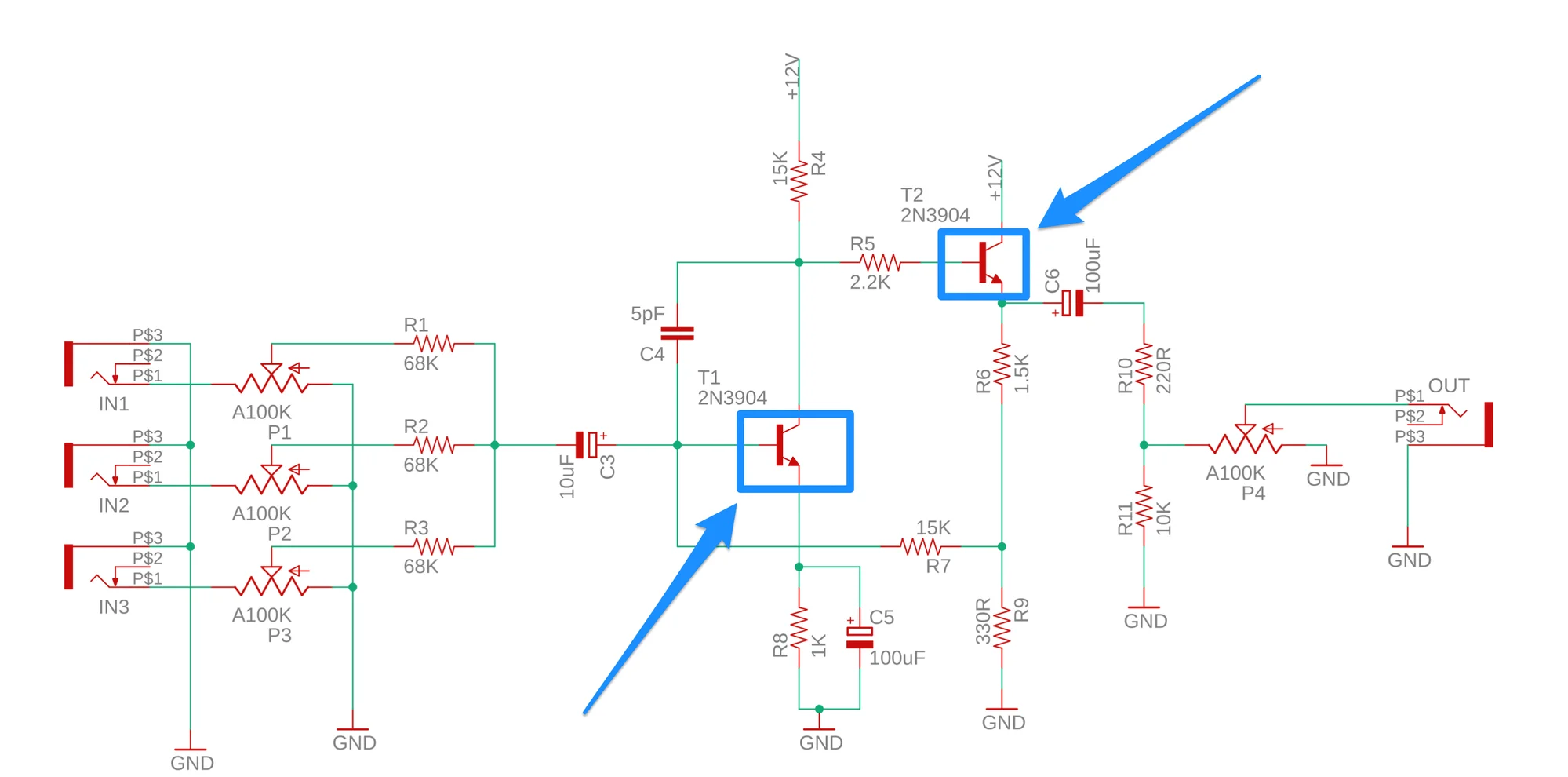
A transistor is a component that amplifies input signals. When three inputs are mixed and amplified through the 2N3904, this is the resulting clipping character.
2. AI022 Harmonic Mixer
Next is the AI022 Harmonic Mixer.
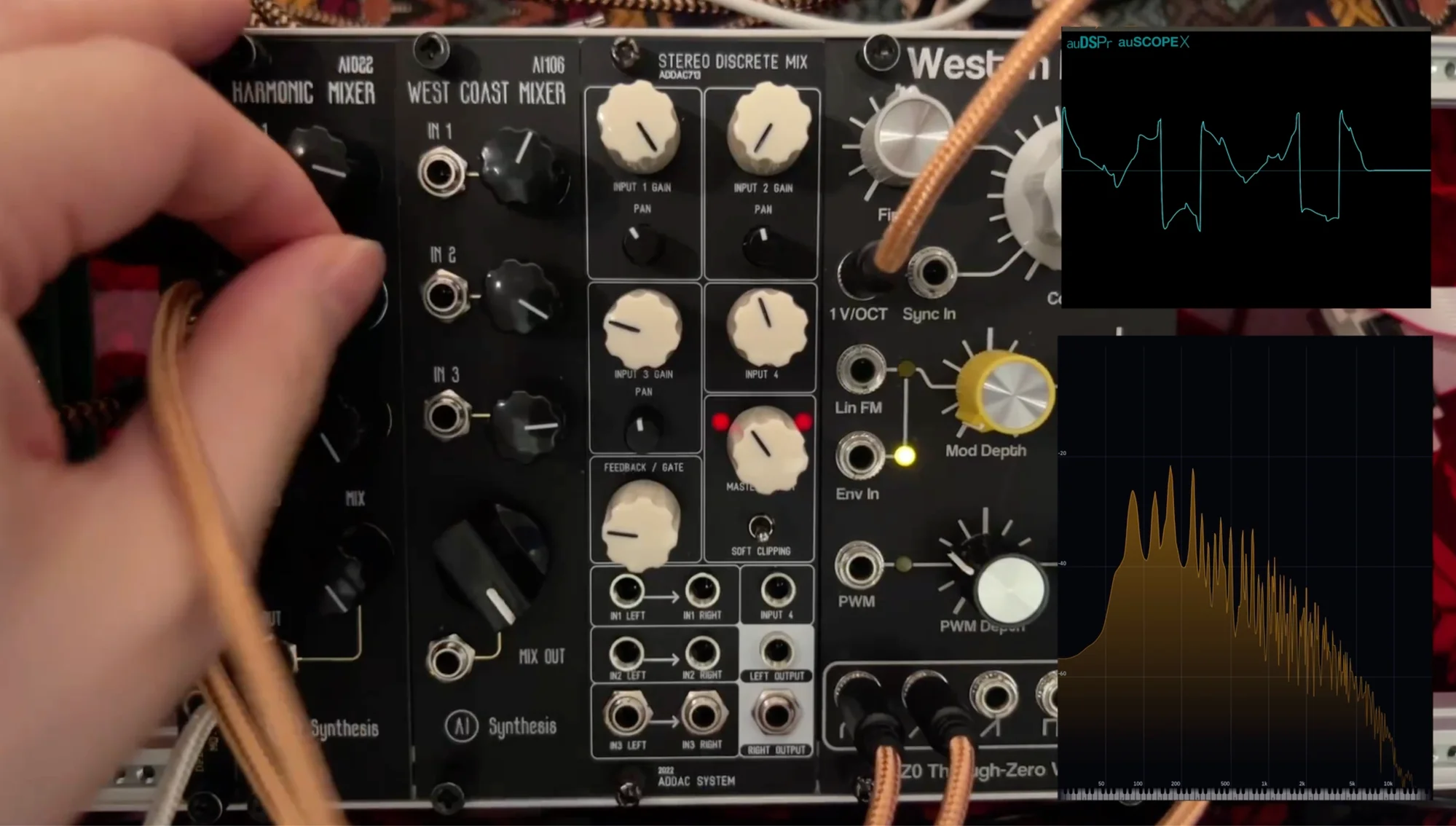
With the AI022, watching the waveform, the transformation appears more dramatic than the AI106. In actual use, the sound change becomes quite pronounced at higher volumes. Also, comparing all three, the bass retention seems strongest with this one.
The AI022 schematic (reference: Build Guide) is as follows:
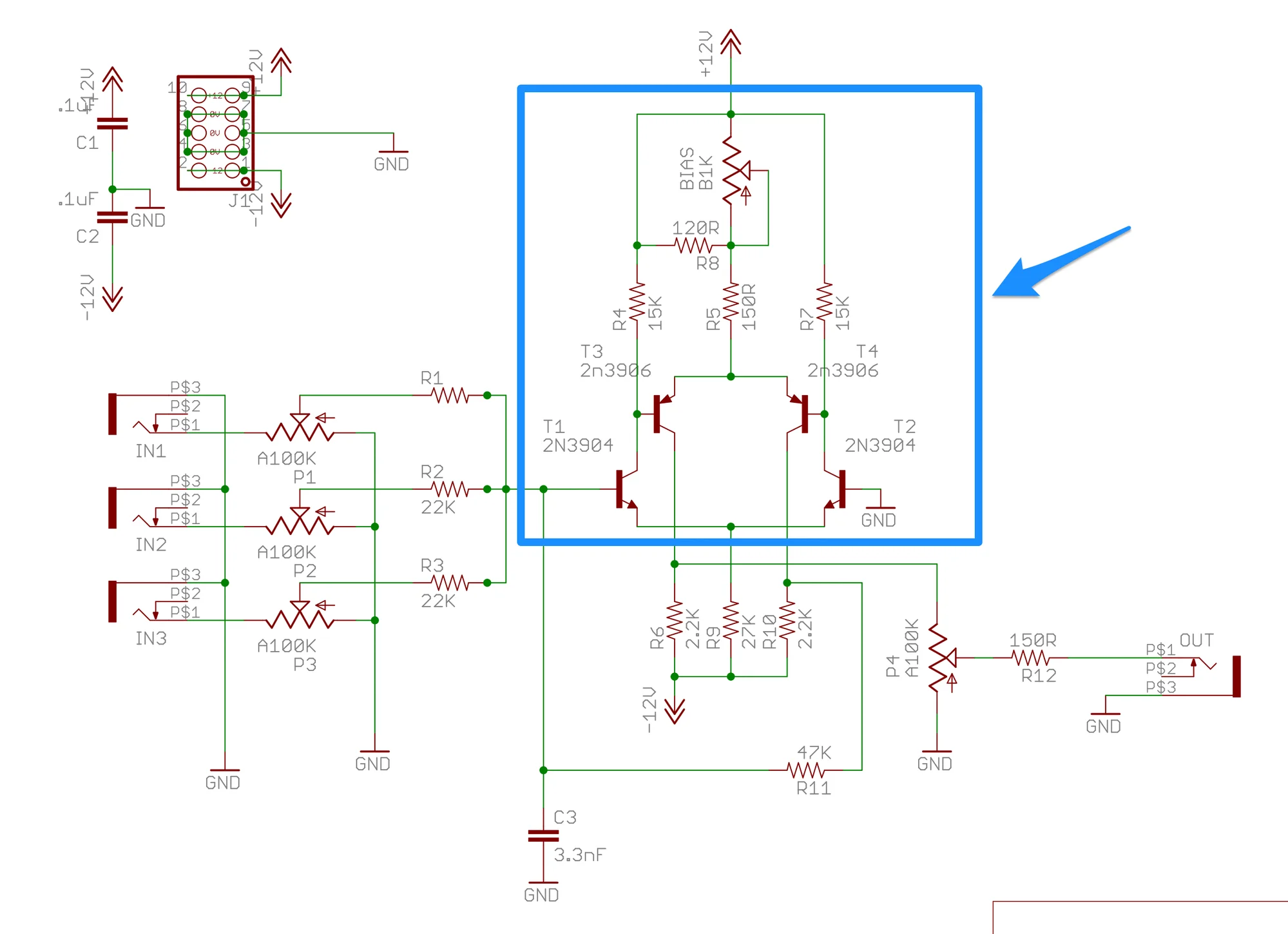
The blue-outlined section uses multiple transistors. With my limited knowledge, I don’t fully understand what’s happening, but it appears to route the transistor-processed signal back through again. This is apparently inspired by Moog’s mixer implementation.
…Keeping this in mind, you can get an intuitive sense of why it sounds harder — because it’s amplifying the signal so aggressively.
3. ADDAC713 Stereo Discrete Mixer
Finally, the ADDAC713 Stereo Discrete Mixer.
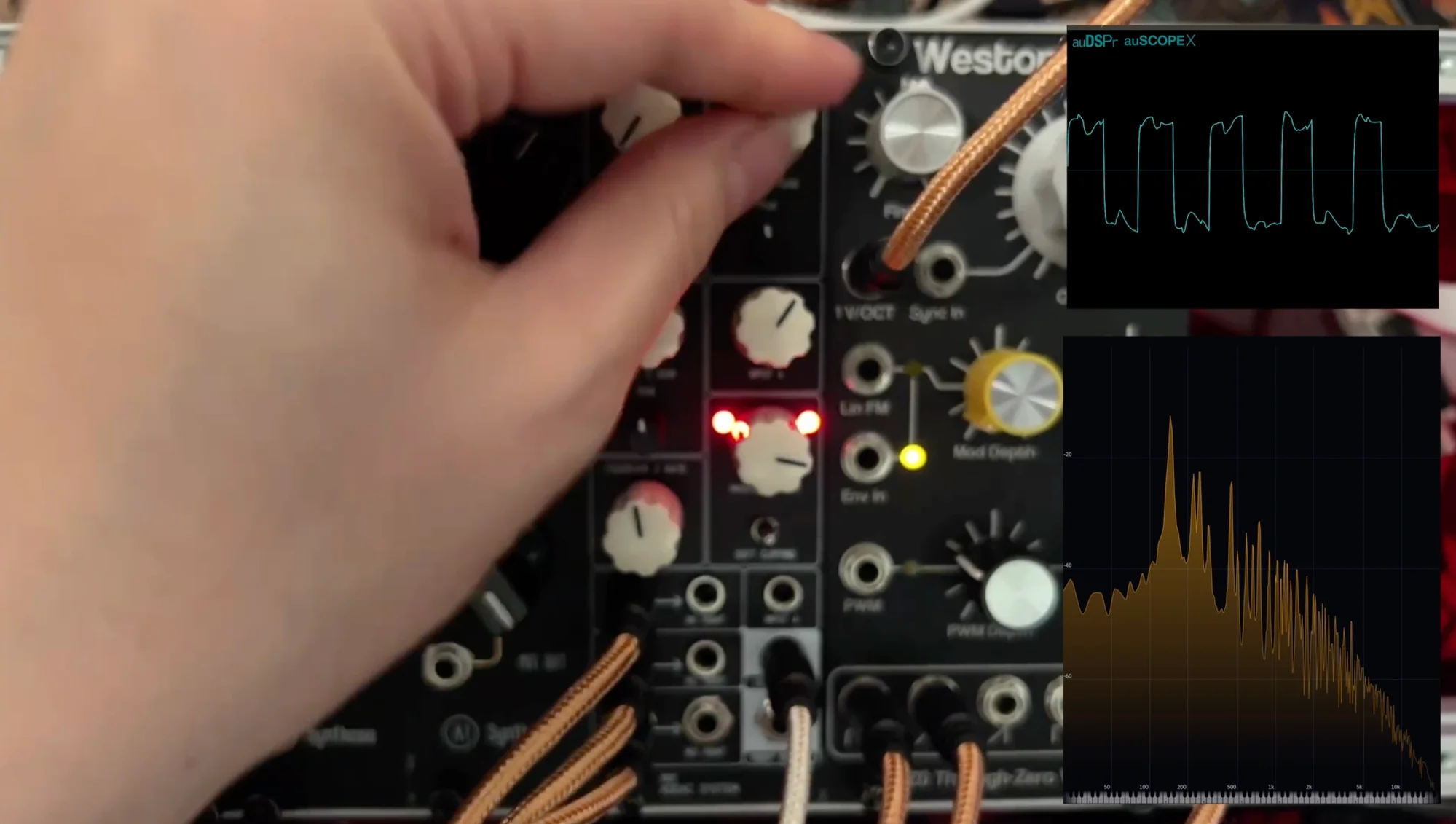
The schematic isn’t publicly available, but looking at the DIY kit’s build guide, it similarly uses many transistors. Compared to the second one, it seems to move more straightforwardly toward a square wave, but it’s still quite different from simply becoming a square wave.
Additionally, please check the video to see how the SOFT CLIPPING switch significantly changes the tone. (See the ADDAC713 introduction article for details on this feature.)
Personally, in terms of richness in the midrange tones, this might be my favorite among the three.
Note that for this comparison, this mixer is stereo but I panned it fully left to treat it as mono. Panning different inputs to L and R would probably also produce nice results.
Mixers and Sound Design
…So as I mentioned, “clipping” starts with the waveform being cut off. But the character of that clipping varies considerably depending on the components and circuits used.
Perhaps “clipping” isn’t the right term. Considering how the components transform the sound, it might be more accurate to describe these modules as simultaneously mixers and saturation/distortion effects.
Come to think of it, even the example I started with — audio distorting through a tiny speaker — could be described as “this cheapness is what makes it good.”
With that perspective, doesn’t each of these compact mixers start to seem like an important element in sound design? Yes, using these mixers gave me the sensation that my resolution for understanding sound design had increased.
There are many relatively simple oscillators like the TZ0 and ADDAC701, and I imagine quite a few people feel they’re not quite enough on their own. But doesn’t it seem interesting to just change the balance between waveforms through a mixer like these? This is essentially the mindset of thinking about the oscillator and the mixer after it as a set.
I consider this to be one of the joys of modular synthesis, and I believe exploring your equipment this way can really expand your horizons.
Products Featured
Here’s a summary of the products featured in this article. Each product listing also has its own detailed description, so please check those out too.
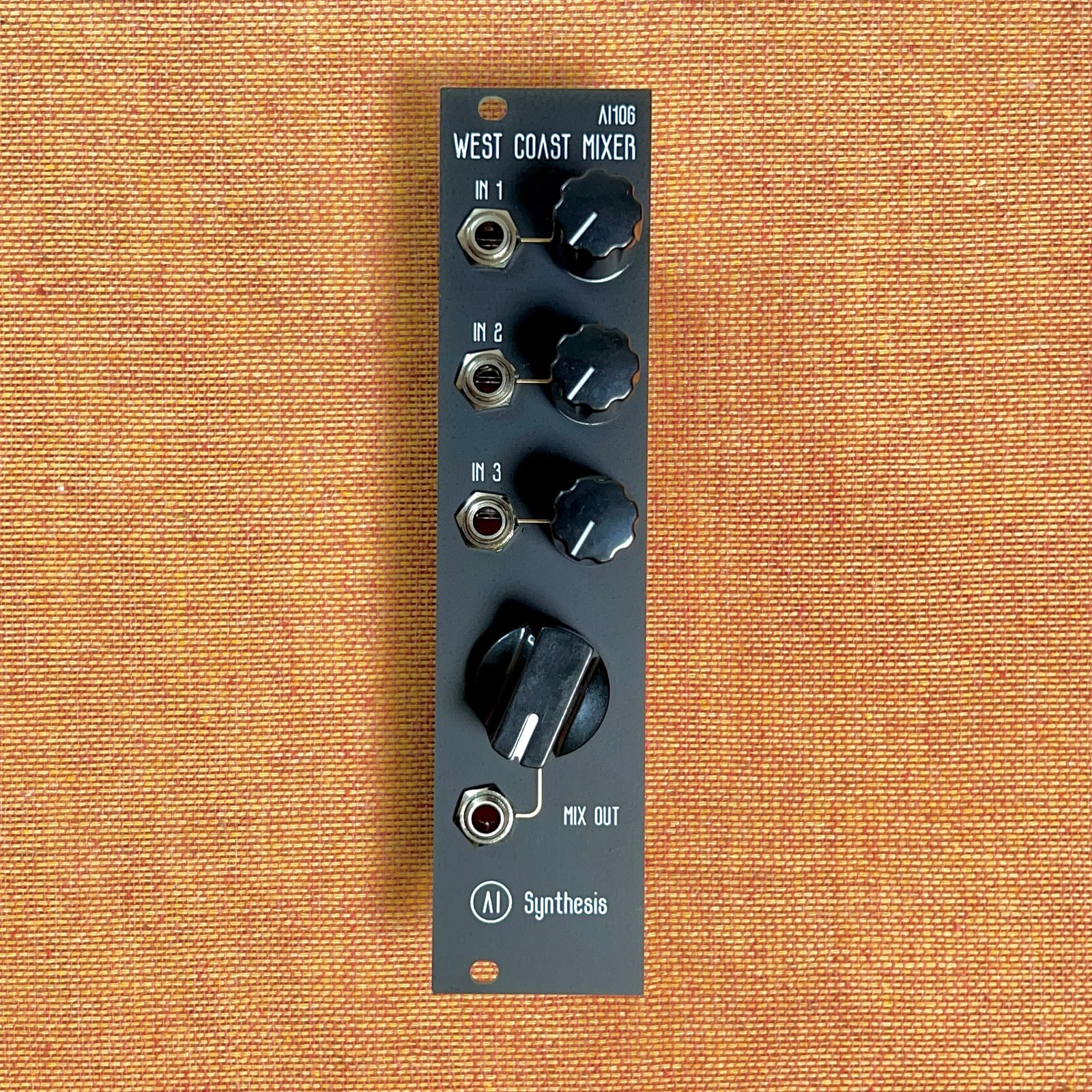
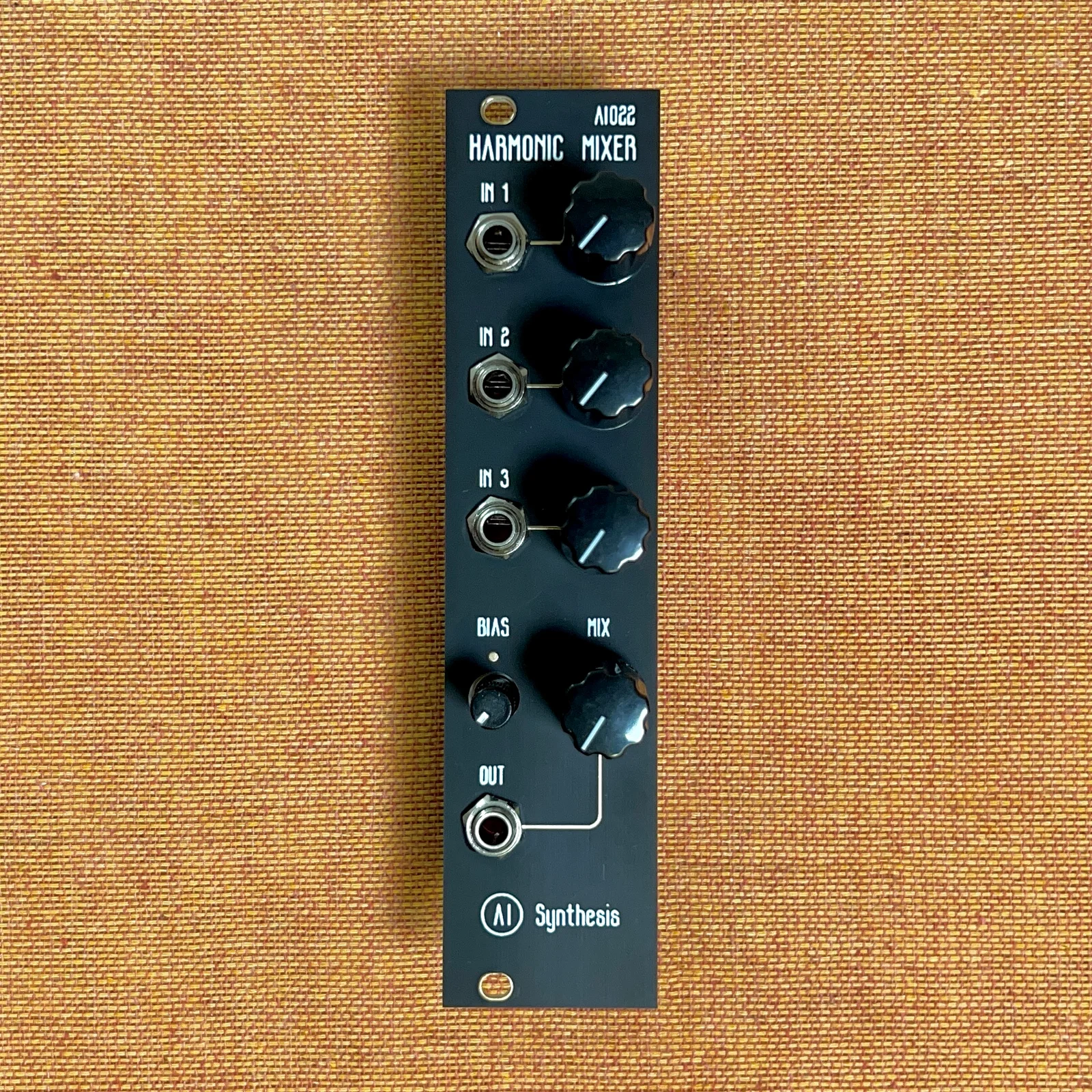
DIY kits are also available.
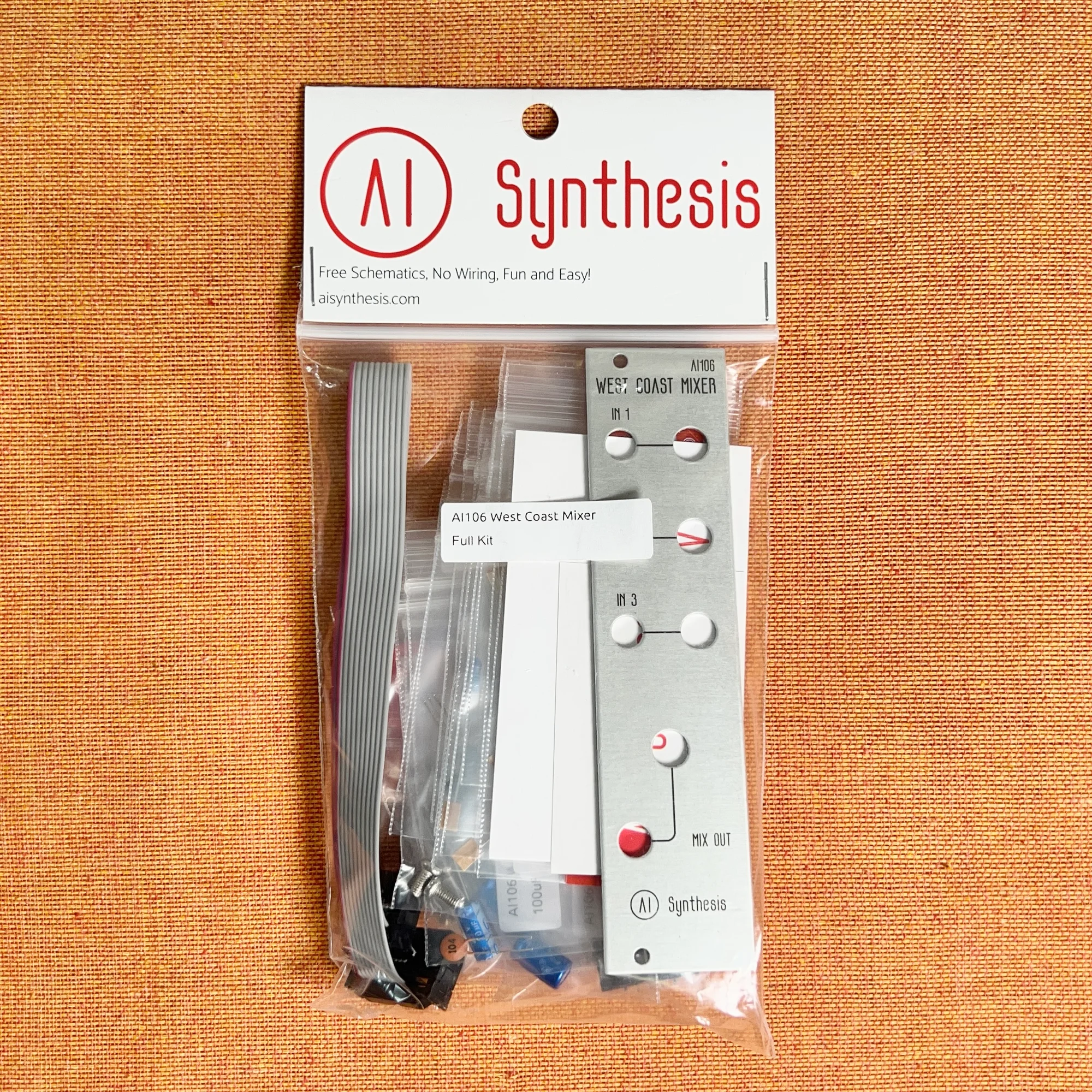
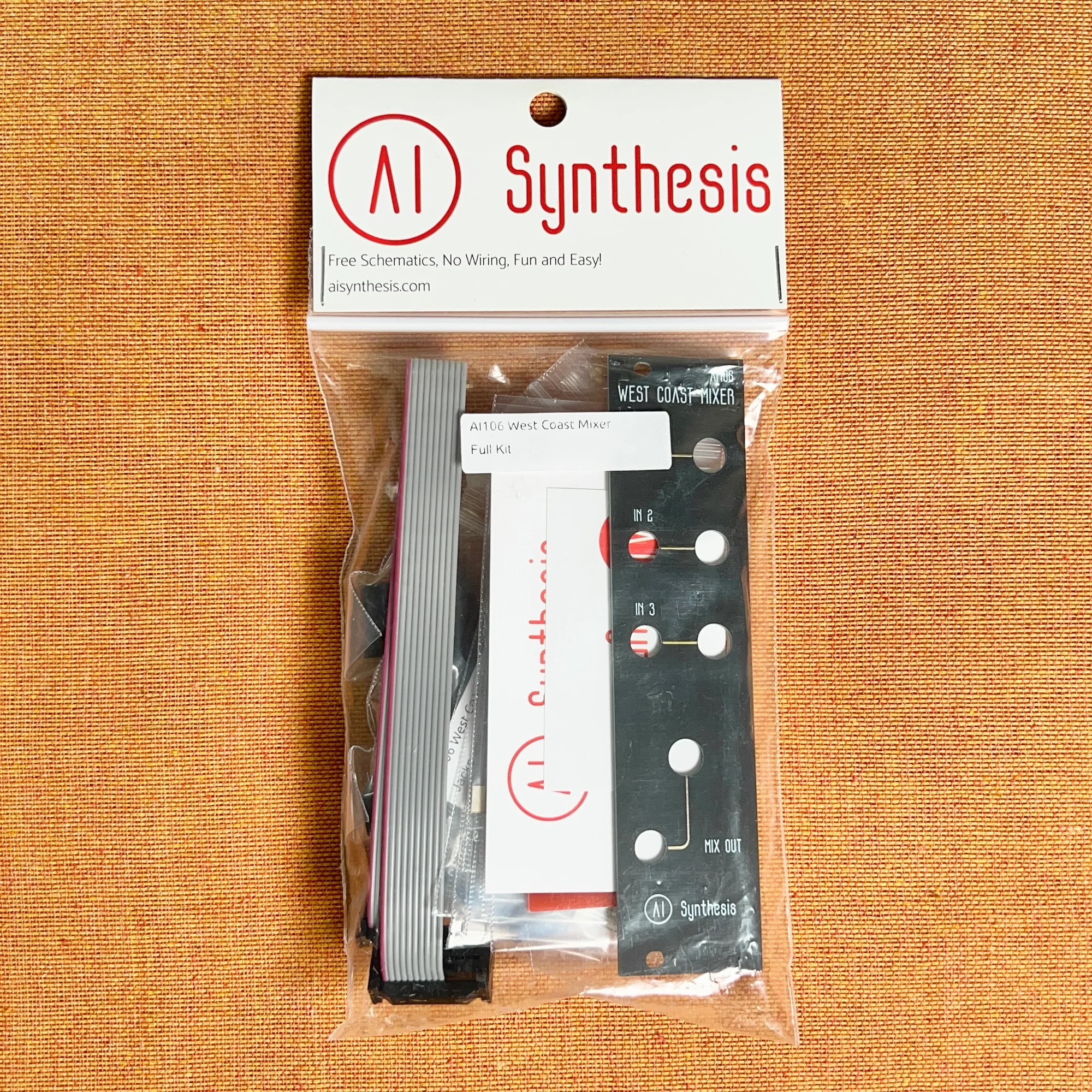
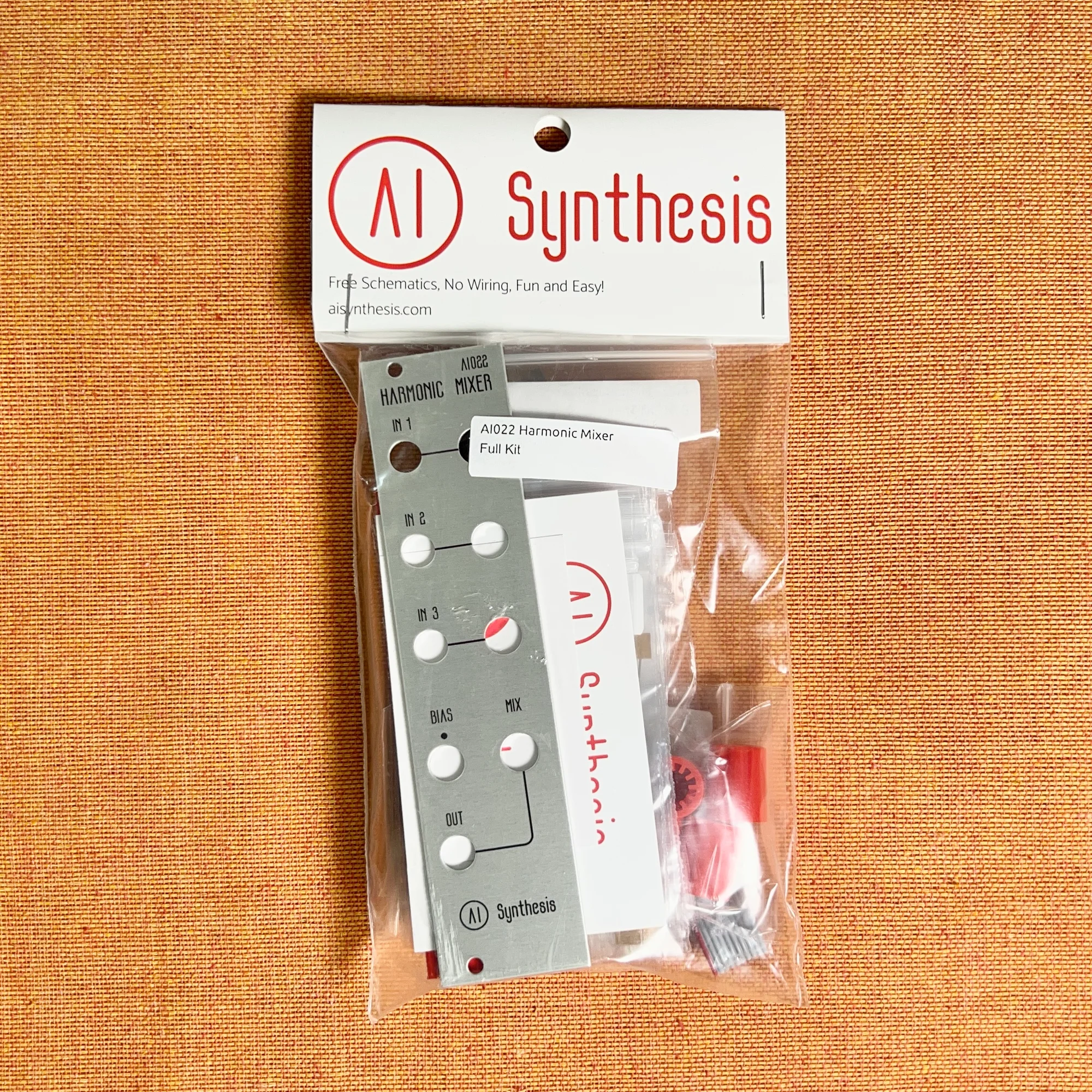
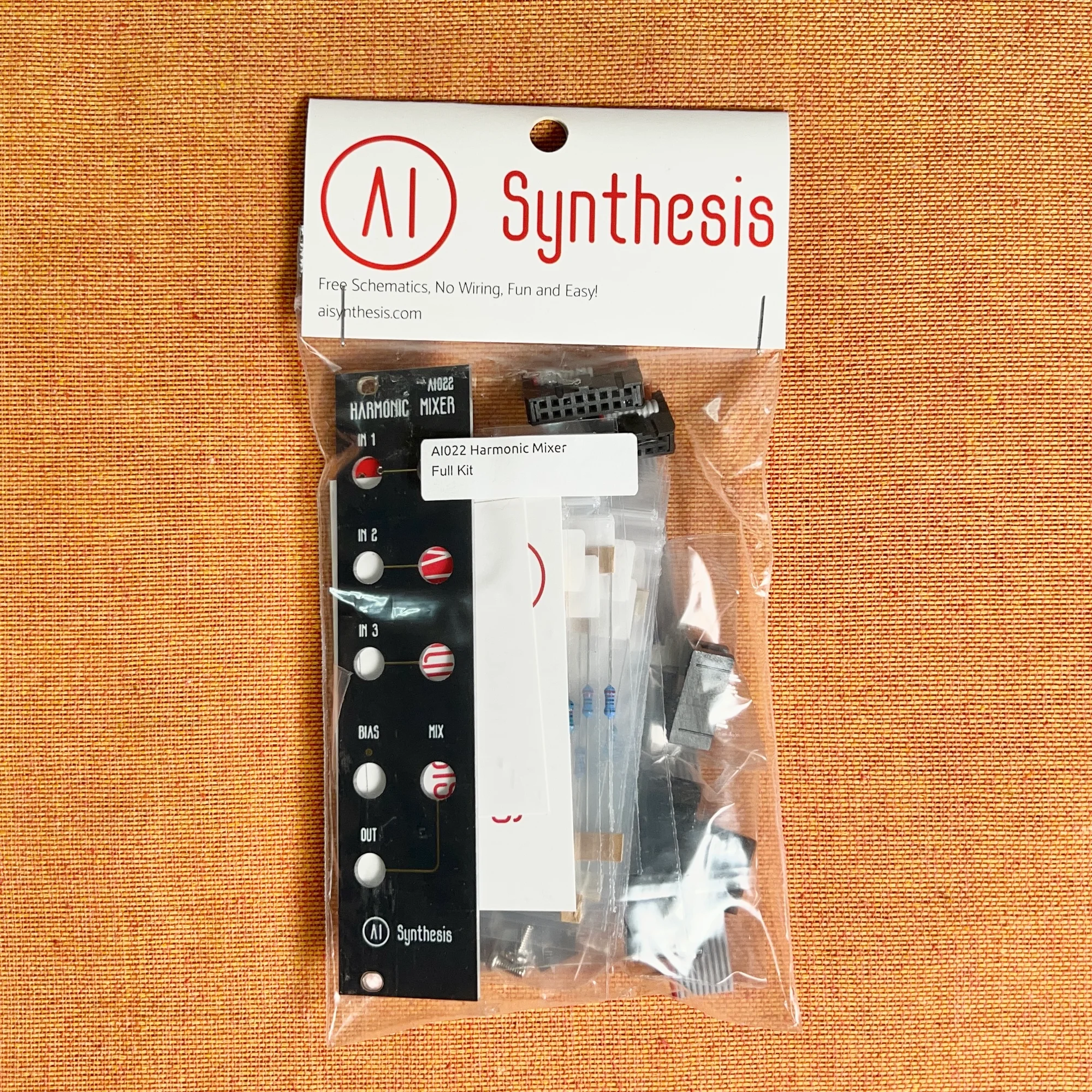
- ADDAC System: ADDAC713 DIY Kit Stereo Discrete Mixer Introduction
- AI Synthesis: AI106 West Coast Mixer (Aluminium) DIY Kit Introduction
- AI Synthesis: AI106 West Coast Mixer (Black) DIY Kit Introduction
- AI Synthesis: AI022 Harmonic Mixer (Aluminium Panel) DIY Kit Introduction
- AI Synthesis: AI022 Harmonic Mixer (Black Panel) DIY Kit Introduction
That’s the introduction to mixers and clipping. I hope you found some useful information here.