This is an introduction to the OXI ONE by OXI Instruments, available at Takazudo Modular.
OXI ONE is a portable all-in-one sequencer. With 8 Gate / 8 CV outputs and MIDI I/O, it’s a new electronic instrument that matches modular systems, machine live setups with MIDI gear, and DAW-based music production.
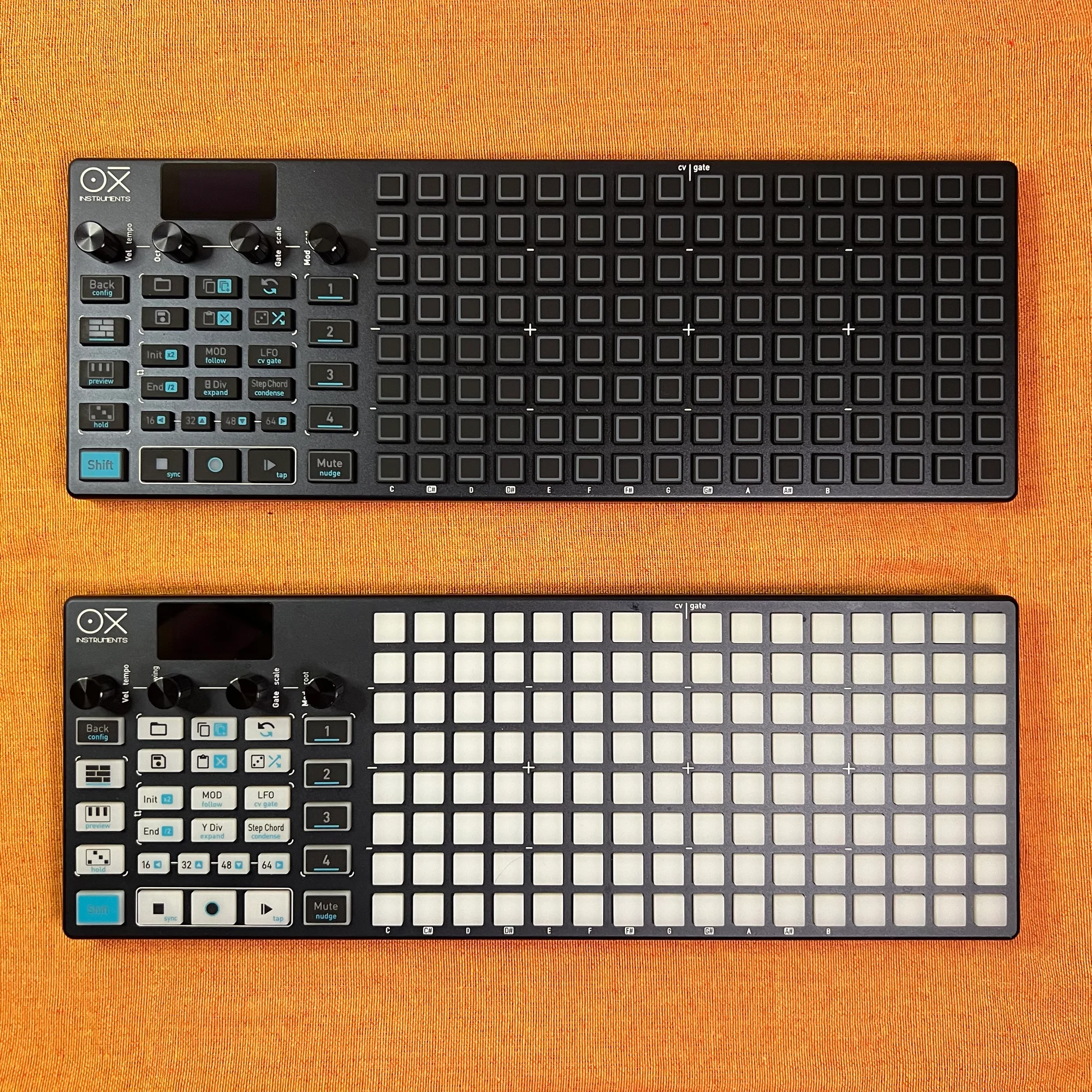
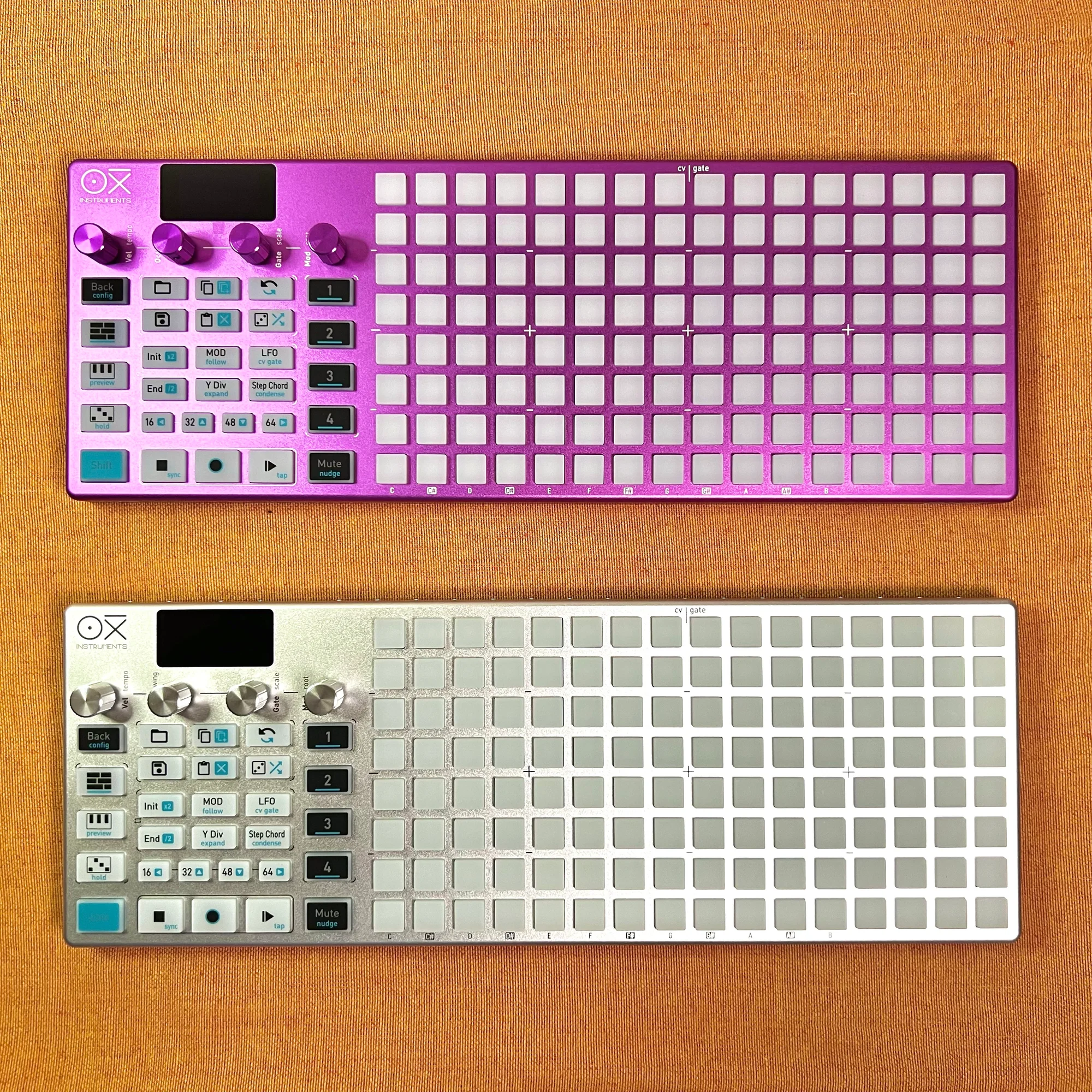
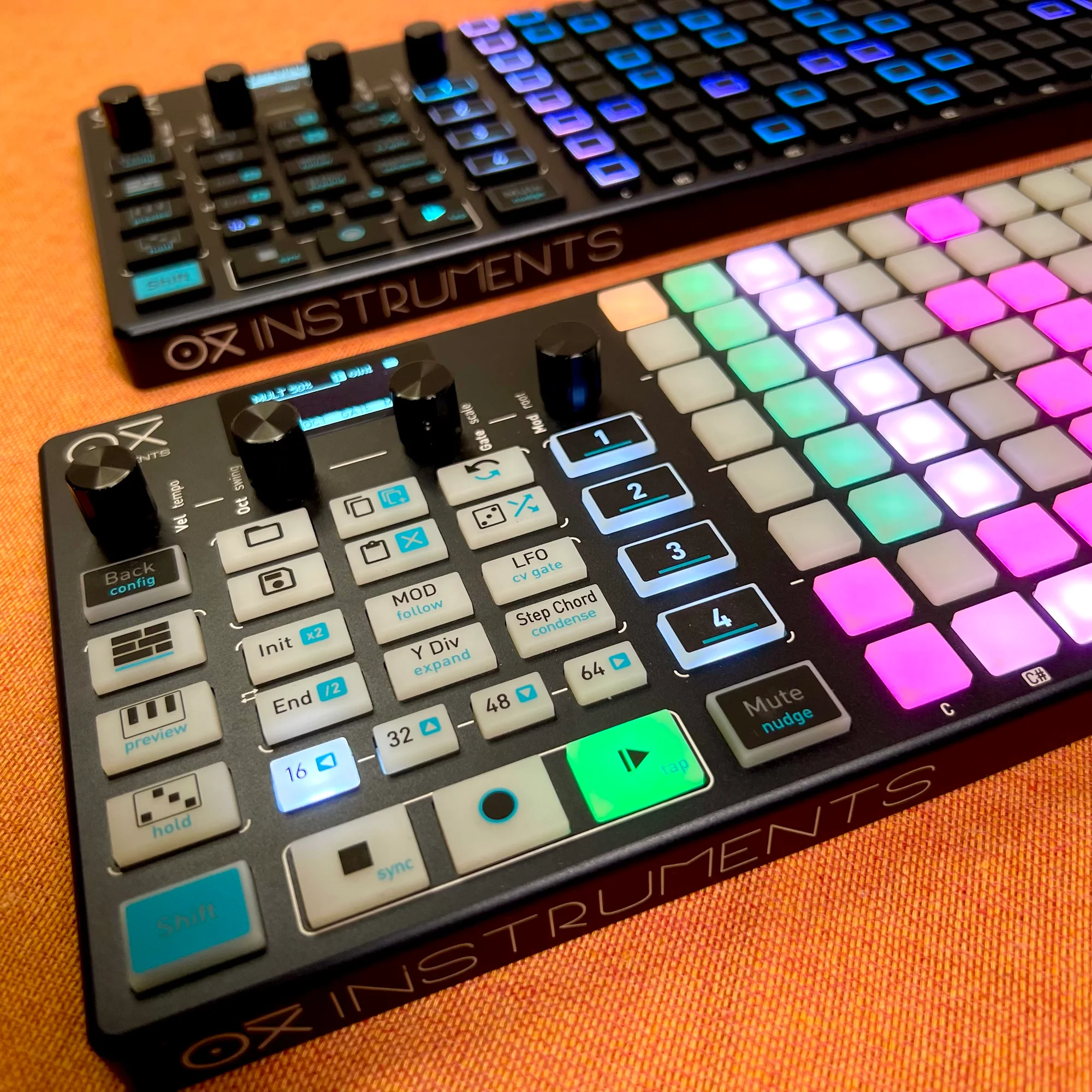
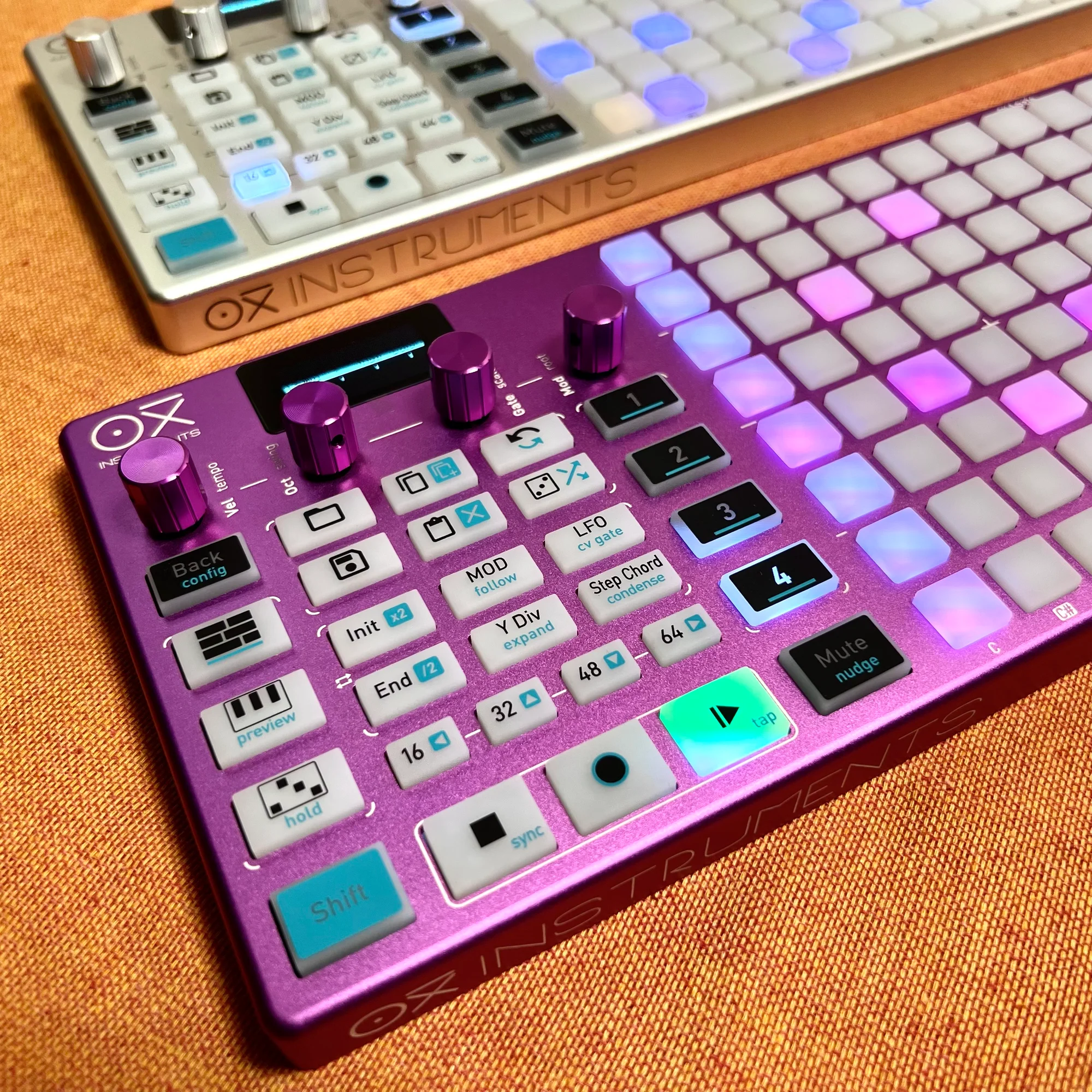
The original OXI ONE comes with a black body and white pads, and there are also 3 limited edition color variants: Black, Magenta, and Silver — all of which we carry. All color variants use anodized aluminum for the housing, combining high durability with a premium feel.
This product is available for purchase below.
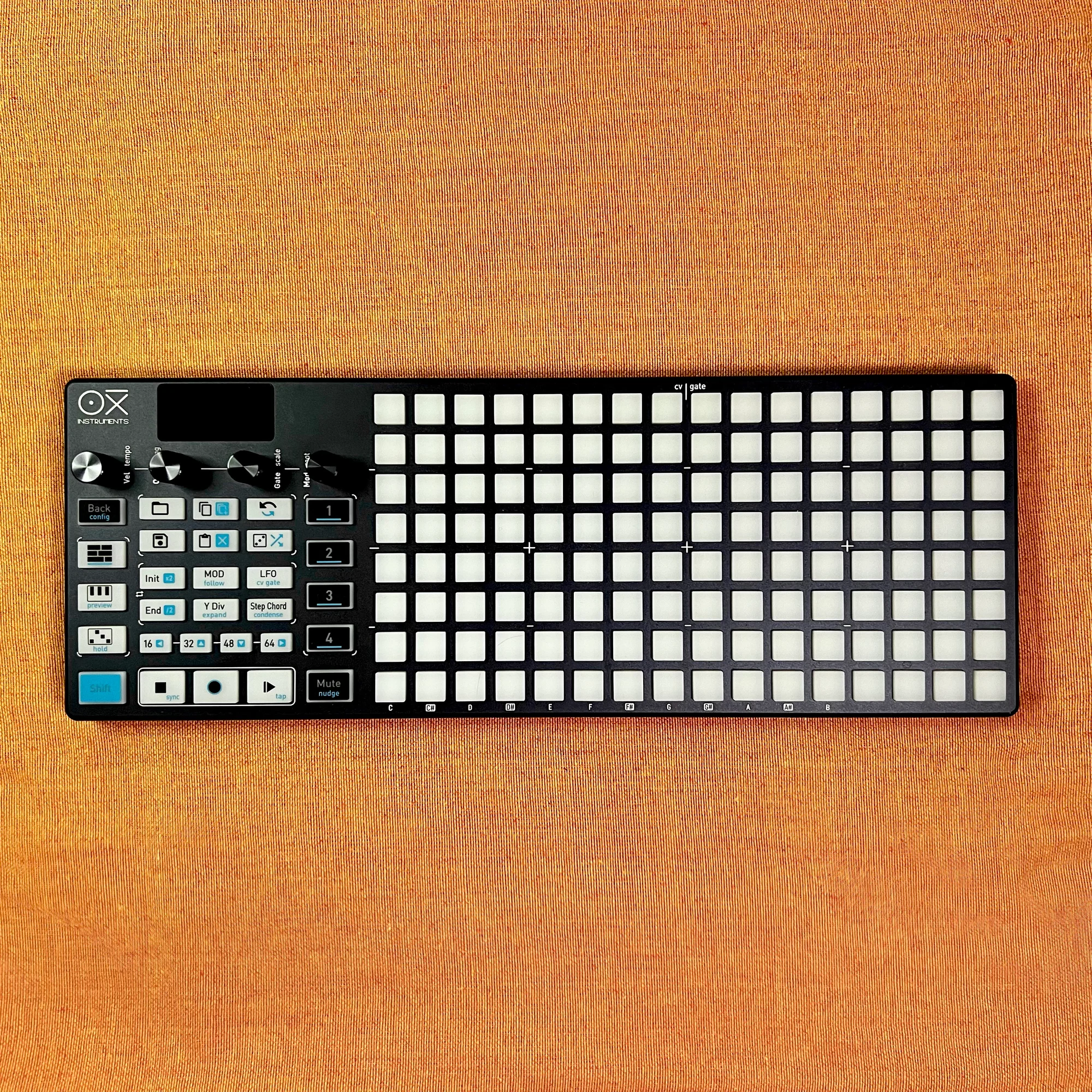
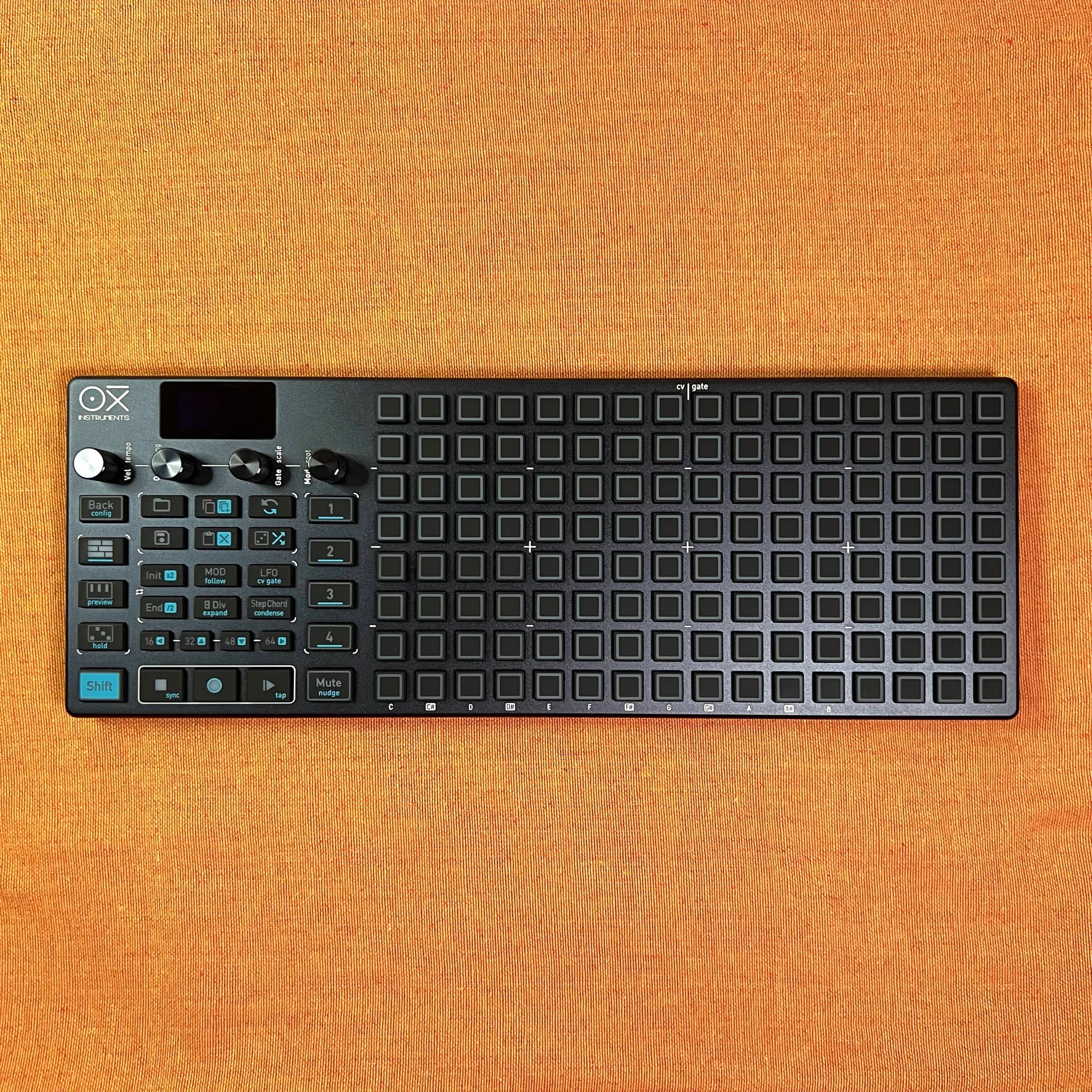
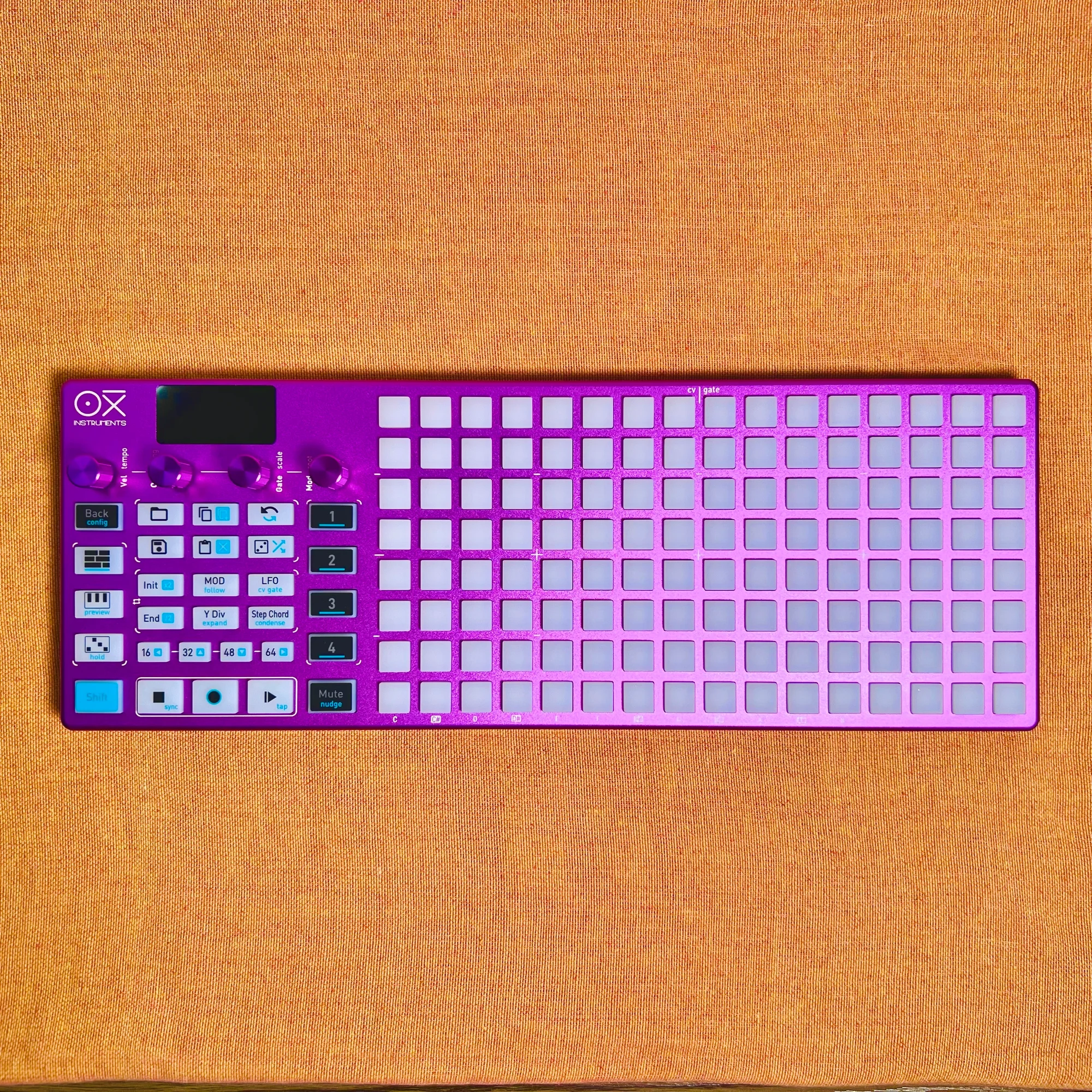
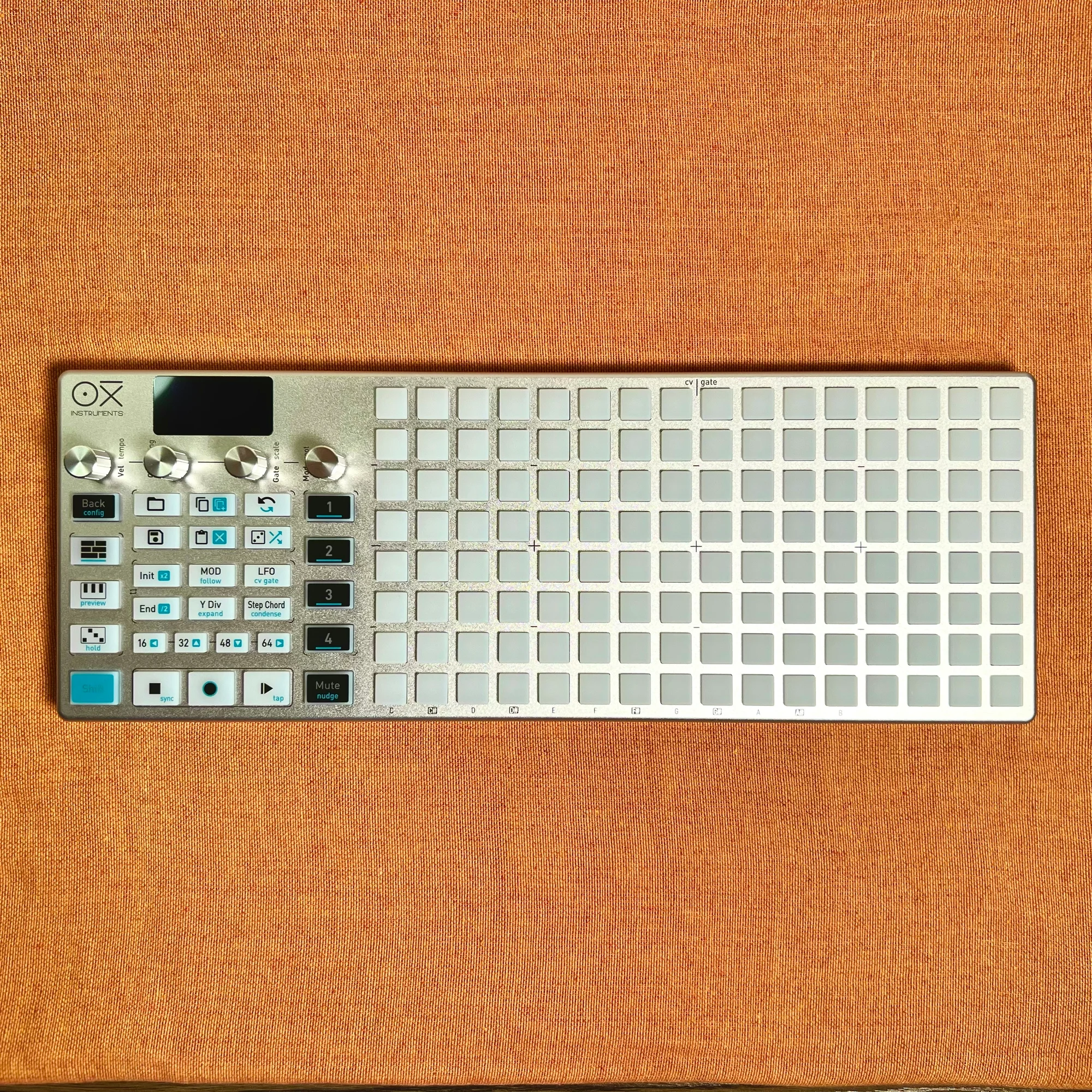
- Product Photos
- OXI ONE Guide
- What Kind of Device is OXI ONE?
- Configuration Examples
- The Advantages of Hardware
- Excellent Firmware
- OXI ONE Feature Summary
- OXI Pipe and OXI Split
- Reference Videos
- Manual & Firmware
- FAQ
Product Photos
OXI ONE Guide
First, OXI ONE’s features are quite extensive, so I plan to expand the guides over time. The following guide articles are available for your reference.
- OXI ONE Guide Part 1: General Settings and Mono Mode Operation
- OXI ONE Guide Part 2: Loop Range Settings, Long Sequence Configuration, and More
What Kind of Device is OXI ONE?
OXI ONE is a sequencer. This device alone does not produce sound. Using its 8x16 pad grid, you program notes and rhythms, then connect it to other music equipment to produce sound.
OXI ONE can connect to other music equipment through the following:
- 8 Gate output jacks
- 8 CV output jacks
- Clock output jack
- Clock input jack (doubles as CV input jack)
- MIDI output jack (TRS cable)
- MIDI input jack (TRS cable)
- USB-C
- Bluetooth
OXI ONE’s internal structure is basically 4 tracks, but by using Multitrack Mode and similar features, you can further subdivide a single track into sub-tracks. Sequence information created in these tracks can be freely routed to Gate outputs, CV outputs, and MIDI channels.
This means you can control a massive amount of sequence information, making OXI ONE a sequencer that can be adapted to both modular system environments and machine live setups with MIDI gear.
Furthermore, it can connect to PC/Mac and iPad via USB cable or Bluetooth. In this case, it can send and receive MIDI signals with your DAW, bringing free and intuitive control to soft synth environments. It’s similar to the feeling of having the piano roll come out of the screen and become a physical device. However, piano roll-style functionality is just one of OXI ONE’s features, and its use cases are extremely diverse.
Configuration Examples
Just because OXI ONE has so many I/O options doesn’t mean you need to use them all. Using it simply to control the sequence of a single synth — that alone makes it a very useful tool. I recommend starting with that kind of usage first.
That said, if you want to, OXI ONE has 8 Gate outputs, 8 CV outputs, and MIDI output — a rich set of connectivity interfaces — so you can use these to their fullest and control all the equipment in your system from OXI ONE.
Below is a configuration example where multiple modular components are controlled by OXI ONE.
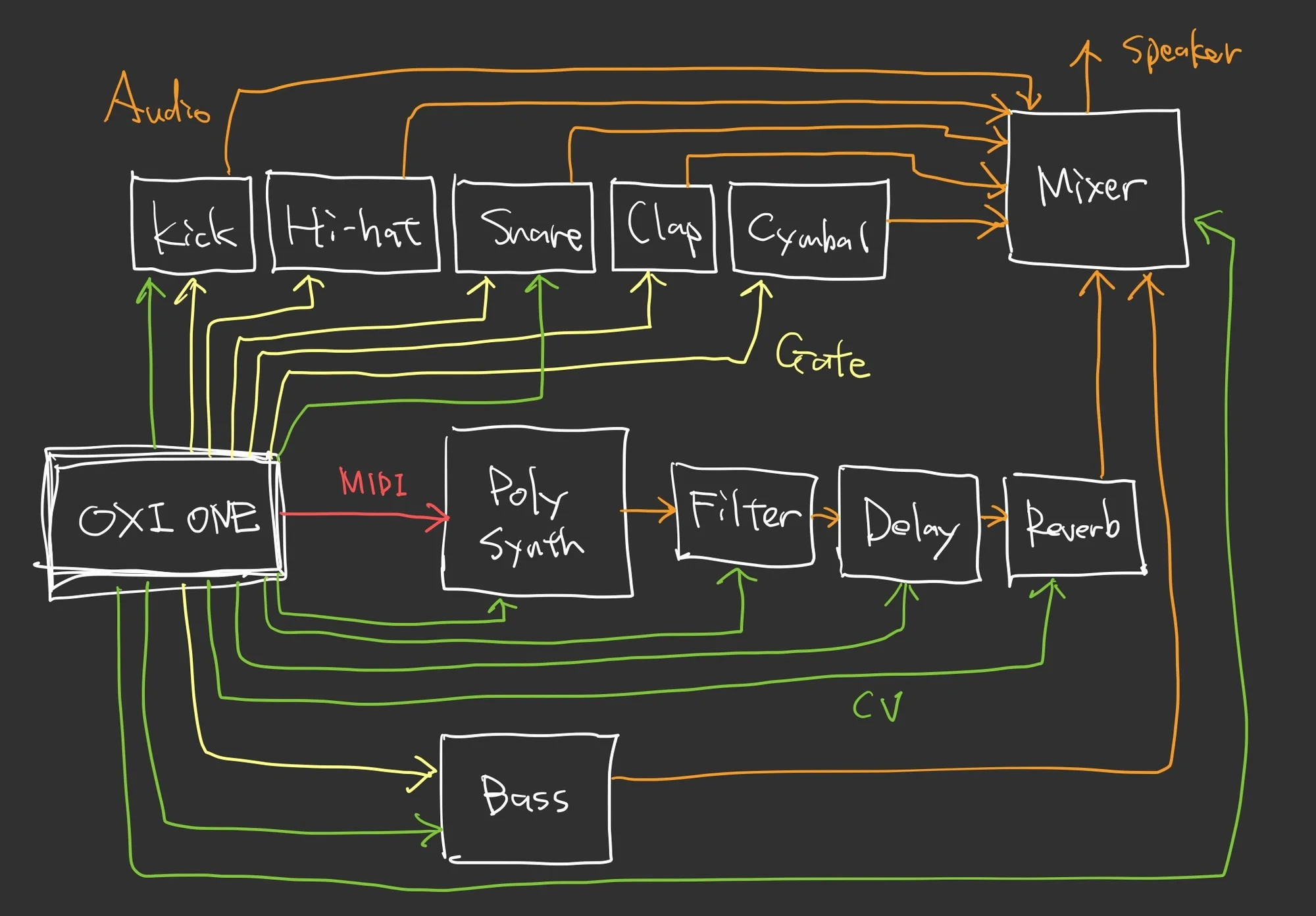
Here’s a rough explanation of this example.
Gate and CV to 5 Percussion Modules
Since OXI ONE has 8 Gate outputs, it can send Gate individually to multiple modules. OXI ONE has a 4-track structure, but by selecting Multitrack Mode as the track mode, a single track can contain 8 sub-tracks. This is ideal for comprehensively controlling multiple percussion modules.

Also, if percussion module parameters like Decay and Tune can be controlled via CV, using the Modulation Lane enables flexible CV sequencing.

The Modulation Lane, as shown in the video above, is a feature for setting CV values per step using the pads. It’s similar to having 16 vertical faders side by side, and you can set loop ranges, enabling highly flexible CV sequence creation.
These Gate and CV output assignments are not predetermined within OXI ONE — users can freely configure which output carries what signal.
MIDI for Synths with MIDI Input
Instruments that can be controlled via MIDI input can be controlled through the MIDI output jack via TRS cable.
Among the modules carried by Takazudo Modular, the following can be controlled via MIDI TRS. By connecting a TRS cable to OXI ONE and setting the MIDI channel for the track on OXI ONE, you can flexibly sequence these MIDI-controlled modules.
Gate, CV, and MIDI Together
Such MIDI output can of course be used simultaneously with Gate and CV outputs. Control pitch and trigger timing via MIDI Note, control parameters via MIDI CC, and additionally control via CV — all at the same time.
For CV, you can output the pitch of notes created in tracks as 1V/Oct. While you can use OXI ONE in a classic piano-roll style where pitch and trigger timing are unified, controlling trigger timing and pitch from separate tracks enables the kind of high-freedom sequencing that’s characteristic of modular systems.
Additionally, with Clock I/O, you can sync with other sequencers or multiple OXI ONEs. It can also convert received MIDI to CC for output, reset sequence position upon receiving Gate, and features a Euclidean Rhythm Generator, the ability to partially randomize created sequences, and various other functions typically found in sequencers — all implemented abundantly in this OXI ONE.
The Advantages of Hardware
All the MIDI integration and Gate/CV configuration described above — doesn’t it feel like a lot of tedious setup? For example, with a computer and DAW, you can output MIDI as freely as you want — nothing beats a computer for sheer flexibility. But mustering the energy to set it all up can feel like a chore. I, Takazudo, often feel that way. As a result, I’ve come to love the intuitive aspects of modular synths, to the point of selling them myself.
With OXI ONE, there is a certain degree of setup involved. However, making OXI ONE do everything described above at once is just one example of how to use it. Personally, I mostly use it to run just one or two sequences.
Being capable of complex configurations, yet equally useful in simple setups — that’s one of OXI ONE’s strengths. And when you do want to do something complex, being able to configure things far more intuitively with physical knobs and buttons rather than through detailed computer settings is an advantage unique to hardware sequencers — having a physical device right there as the interface for configuration.
Excellent Firmware
OXI ONE’s sequencing functions are controlled by software built into the device. This software continues to receive active updates, with new modes and improvements to existing features being added continuously.
Each of OXI ONE’s 4 tracks can be set to one of the following 6 modes:
- Mono
- Poly
- Multitrack
- Chord
- Stochastic
- Matriceal
Starting with Mono and Poly modes where the horizontal axis represents time and the vertical axis represents pitch, there’s Multitrack mode which bundles 8 Mono mode tracks into one. There’s also Chord mode specialized for chord specification, Stochastic mode for creating probabilistic sequences, and the idea-filled Matriceal mode — an abundance of modes to choose from.
Personally, I believe that much of OXI ONE’s appeal undoubtedly lies in its excellent software and the proactive attitude toward updates. The OXI ONE hardware itself is fundamentally a simple electronic device with an 8x16 pad and 4 encoder knobs at its center. How that device enables users to work is entirely dependent on how usable the built-in software is.
OXI ONE demonstrates that with these pads and knobs, you can build sequences this freely and with such performance capability.
OXI ONE Feature Summary
The full scope of OXI ONE’s features is difficult to grasp without actually diving deep into using it. Below is a rough translation of the OXI ONE features listed on OXI Instruments’ website.
If you’ve bought some music gear but can’t really play keyboard and wish you could produce sounds more intuitively, if you’re trying to figure out how to sequence multiple modules simultaneously, if you’re doing DAW-based music but clicking MIDI notes on a piano roll doesn’t feel right, or if any feature in the list below catches your attention, I highly recommend OXI ONE.
- 4 freely configurable sequencers
- Built-in harmonizer
- Advanced chord engine
- 8 LFOs
- Partial sequence looping
- Arpeggiator
- 8 CV and 8 Gate outputs with flexible routing
- Advanced MIDI & CV matrix
- Free modulation creation
- Up to 32 independent modulation lanes
- CV output selectable from LFO / ADSR / modulation curves
- 40+ internal modulations
- Many randomization options
- Euclidean and drum pattern generator
- Fast project loading
- Advanced song arranger
- Performance keyboard layout
- MIDI USB host
- Bluetooth connectivity
- Battery-powered
- Compact and stylish
- Robust metallic body
OXI Pipe and OXI Split
OXI ONE has two separately sold accessories: OXI Pipe and OXI Split. These expand OXI ONE’s functionality as follows:
- OXI Pipe
- A breakout module housing Gate/CV outputs in a 6HP format
- OXI Split
- An expansion device that can split OXI ONE’s MIDI output into up to 3 outputs
OXI Pipe is a passive module that houses OXI ONE’s rear-panel I/O in a 6HP Eurorack format. While OXI ONE works fine with modular synths without it, if you want to have the I/O jack array within your modular system, OXI Pipe is convenient.
OXI Split is used when you want to send MIDI output to multiple devices. OXI ONE itself only has one MIDI OUT jack. So, for example, you couldn’t simultaneously control the following 3 modules from a single OXI ONE (unless the connected device has a MIDI THRU interface):
In such cases, using OXI Split allows you to send MIDI output to 3 devices.
Reference Videos
The OXI Instruments YouTube channel has many videos introducing how to use OXI ONE. If you want to get a feel for OXI ONE, definitely check them out.
Among the session videos I (Takazudo) have published on YouTube, many use OXI ONE. Here are a couple of videos that make heavy use of OXI ONE — please check them out if you’re interested.
I’ve also compiled a playlist of videos on the Takazudo channel that use OXI ONE. Please feel free to reference this as well.
Manual & Firmware
The OXI ONE manual (English only) is available at the following web pages.
FAQ
Here are some questions we’ve received before purchase about OXI ONE.
Q: Which color should I choose?
First, all variants are made with the same components — only the body color and pad section differ. So basically, you can choose based on your preference. For example, if most of your gear is black, you might go with the Black Edition.
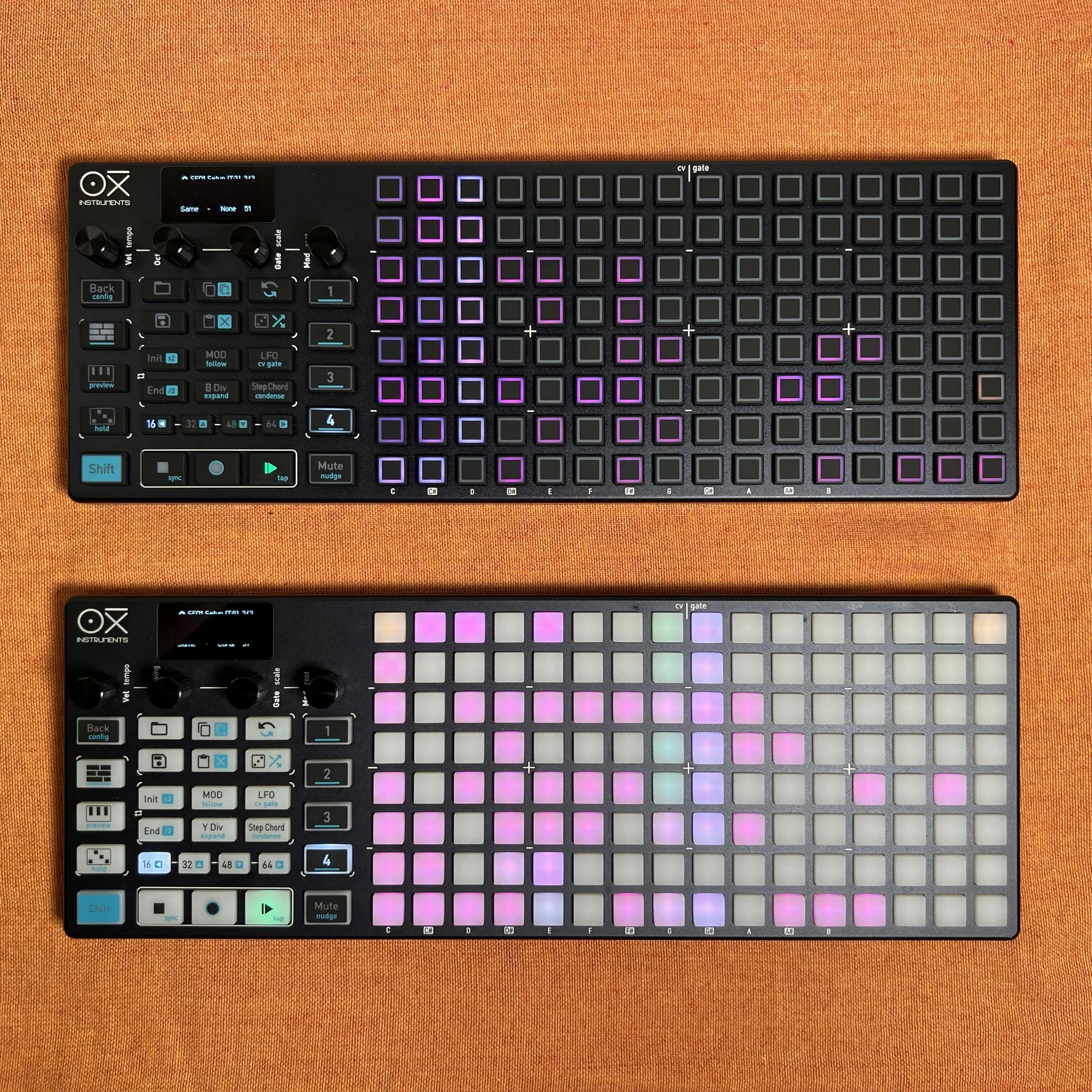
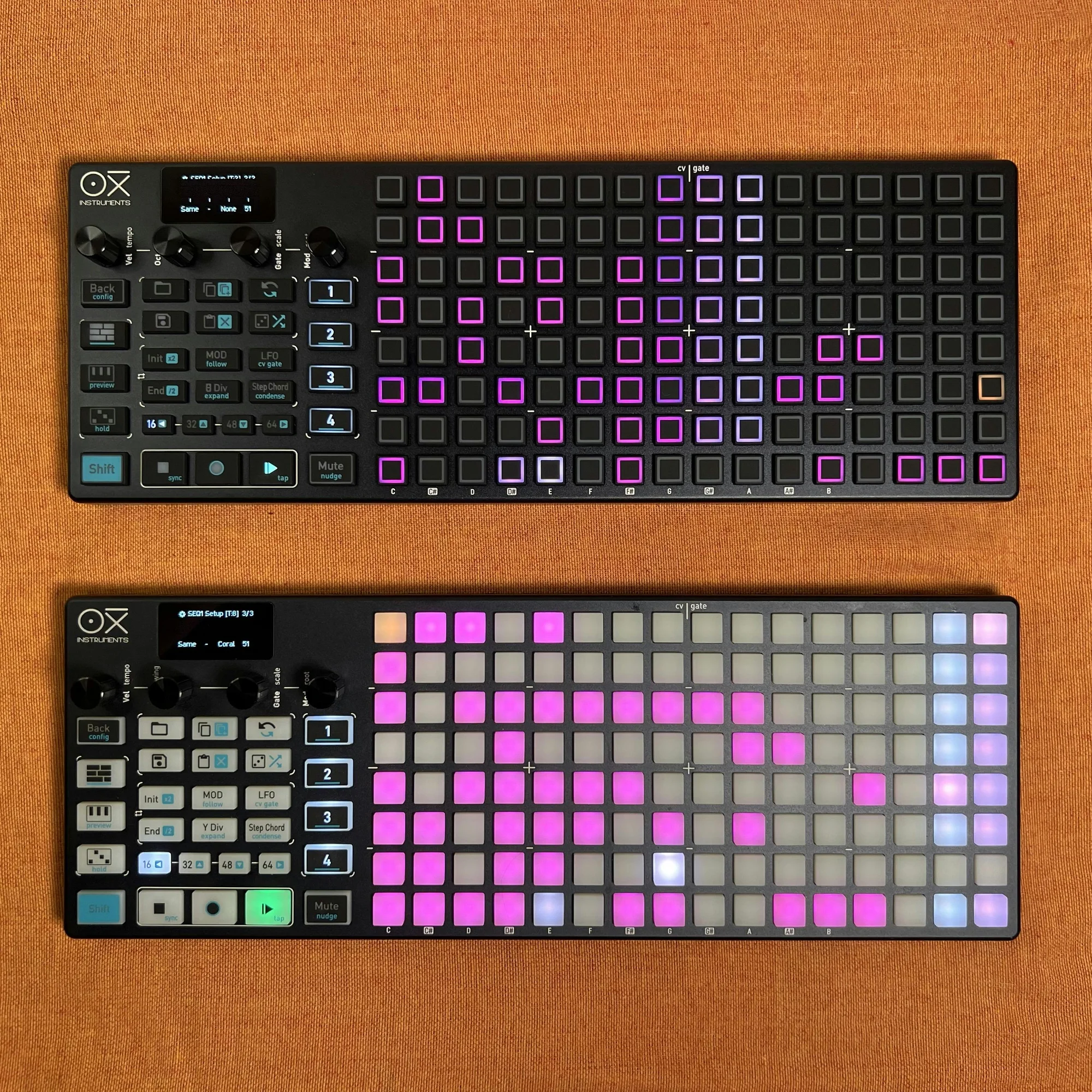
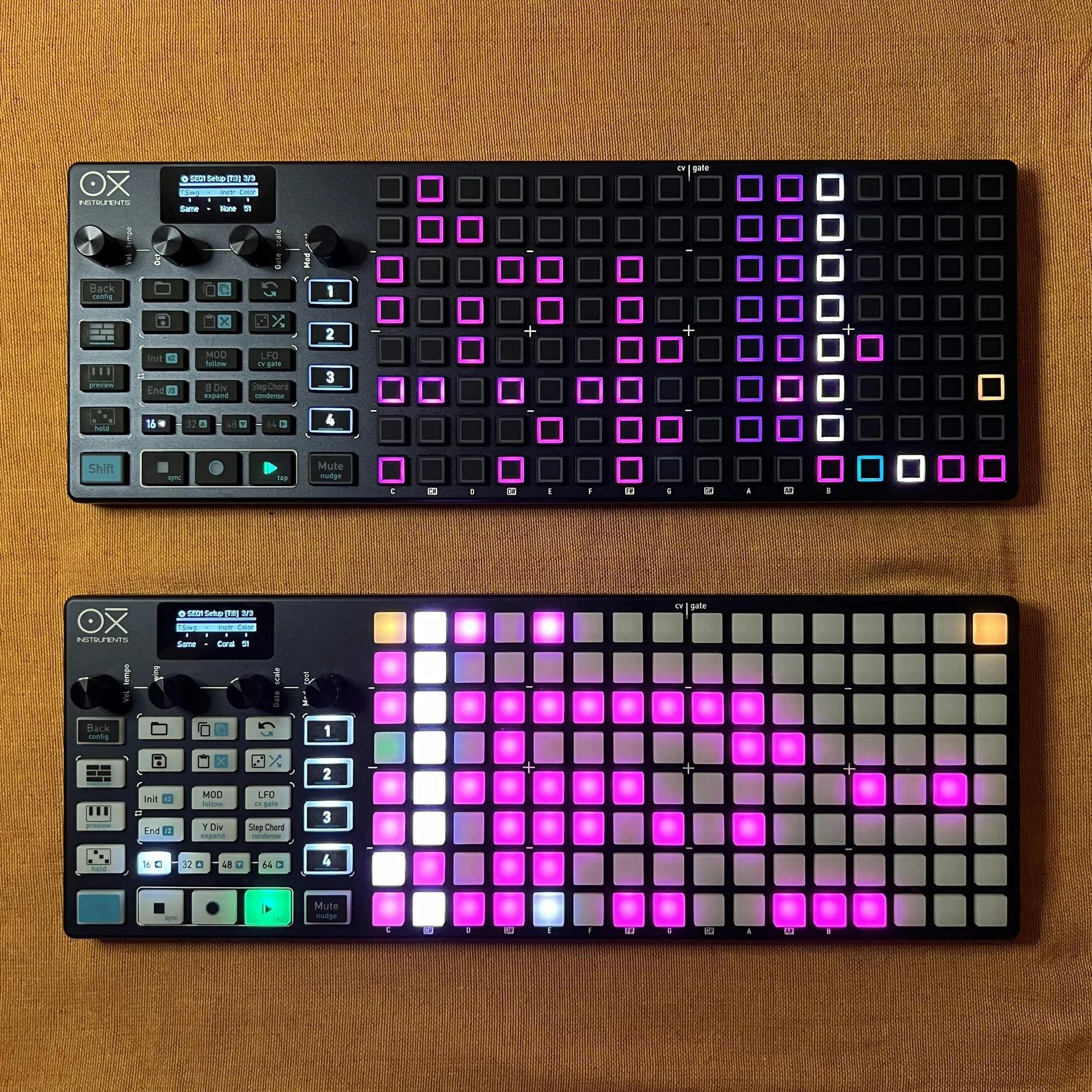
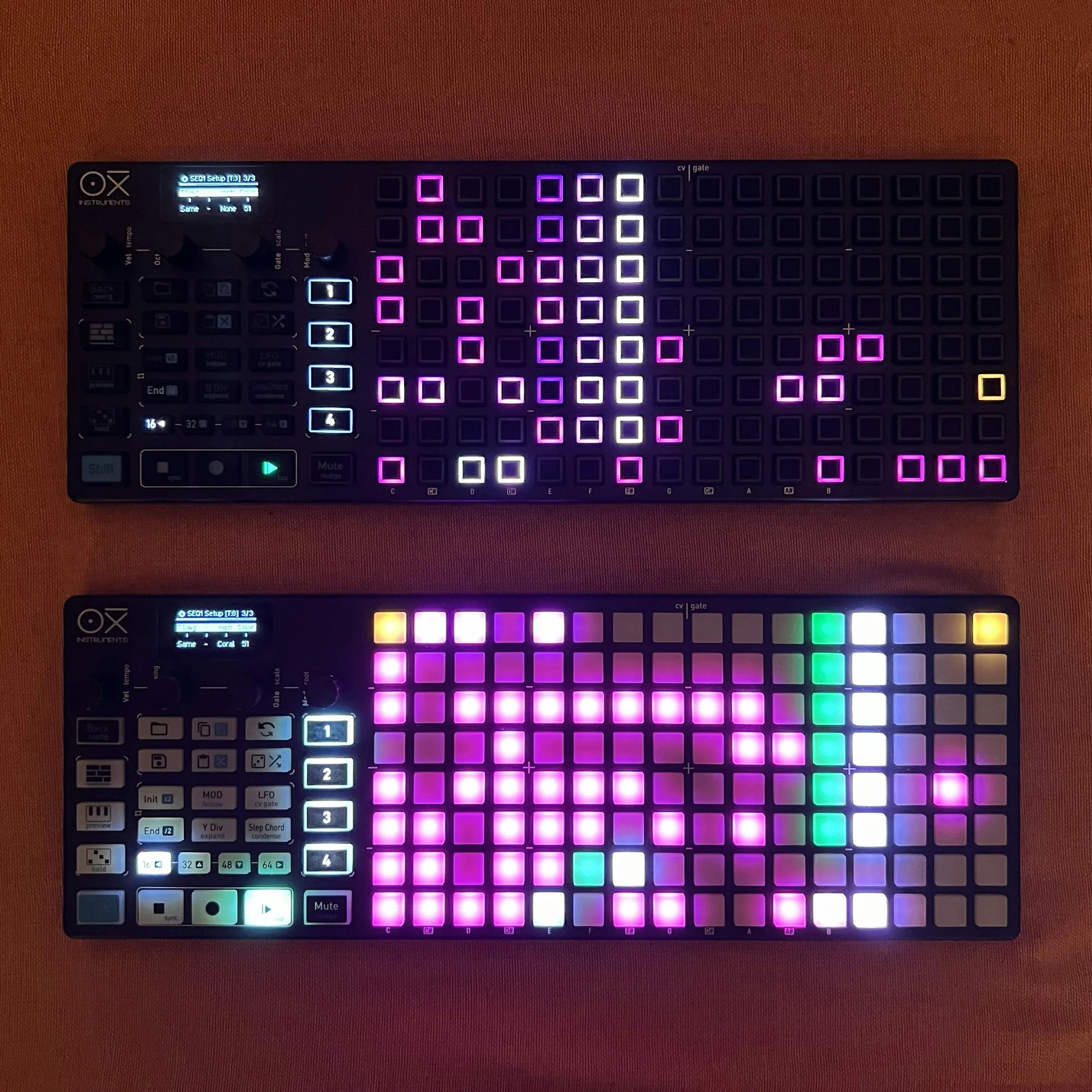
The most significant physical difference between models is the pad section. If you look closely at photos of the 4 models, you’ll notice that among them, only the Black Edition has a coating that covers most of the pad area in black. This makes the lit area of the pads smaller, which might make color identification slightly harder compared to other models. Conversely, on the other models, pads adjacent to lit ones also become slightly brighter, so the Black Edition might be somewhat easier to distinguish pad brightness in relatively bright environments. That said, you can adjust pad brightness in the software settings, so it may not be a major concern.
I (Takazudo) use both the standard and Black Edition, and my honest opinion is to choose whichever you prefer. Below are comparison photos of the standard and Black Edition at different brightness levels for your reference.
Q: I’m concerned about the finish. Will it chip if bumped?
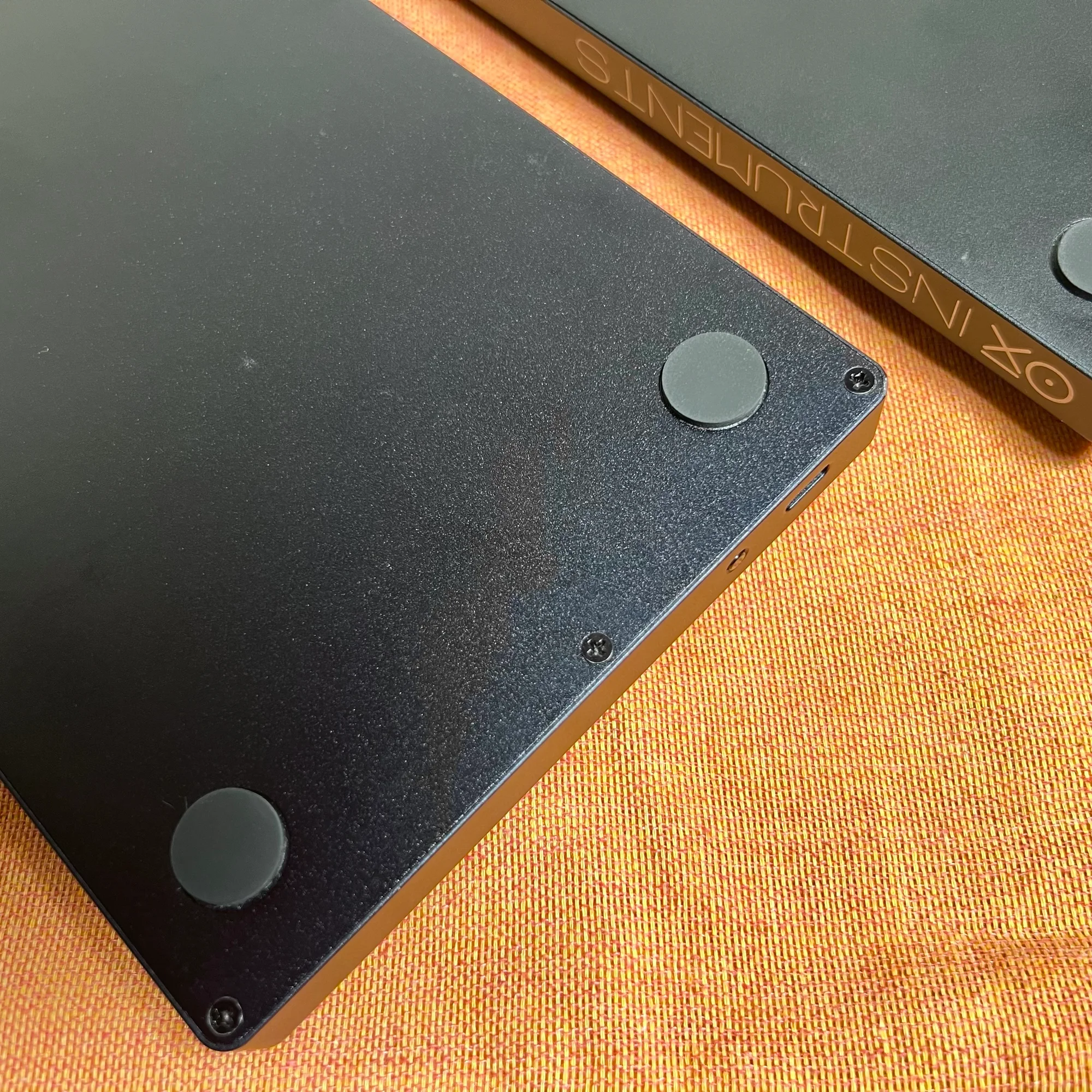
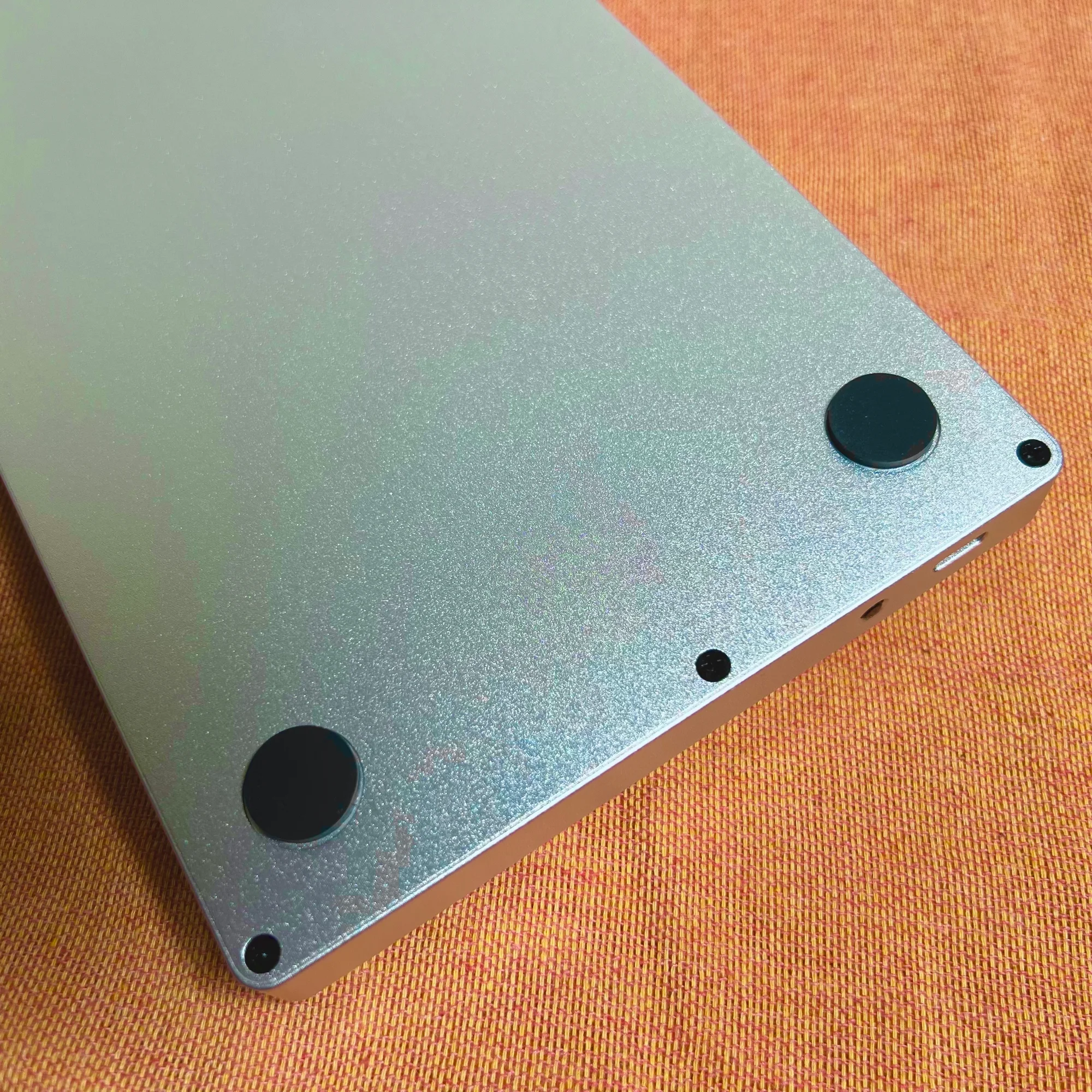
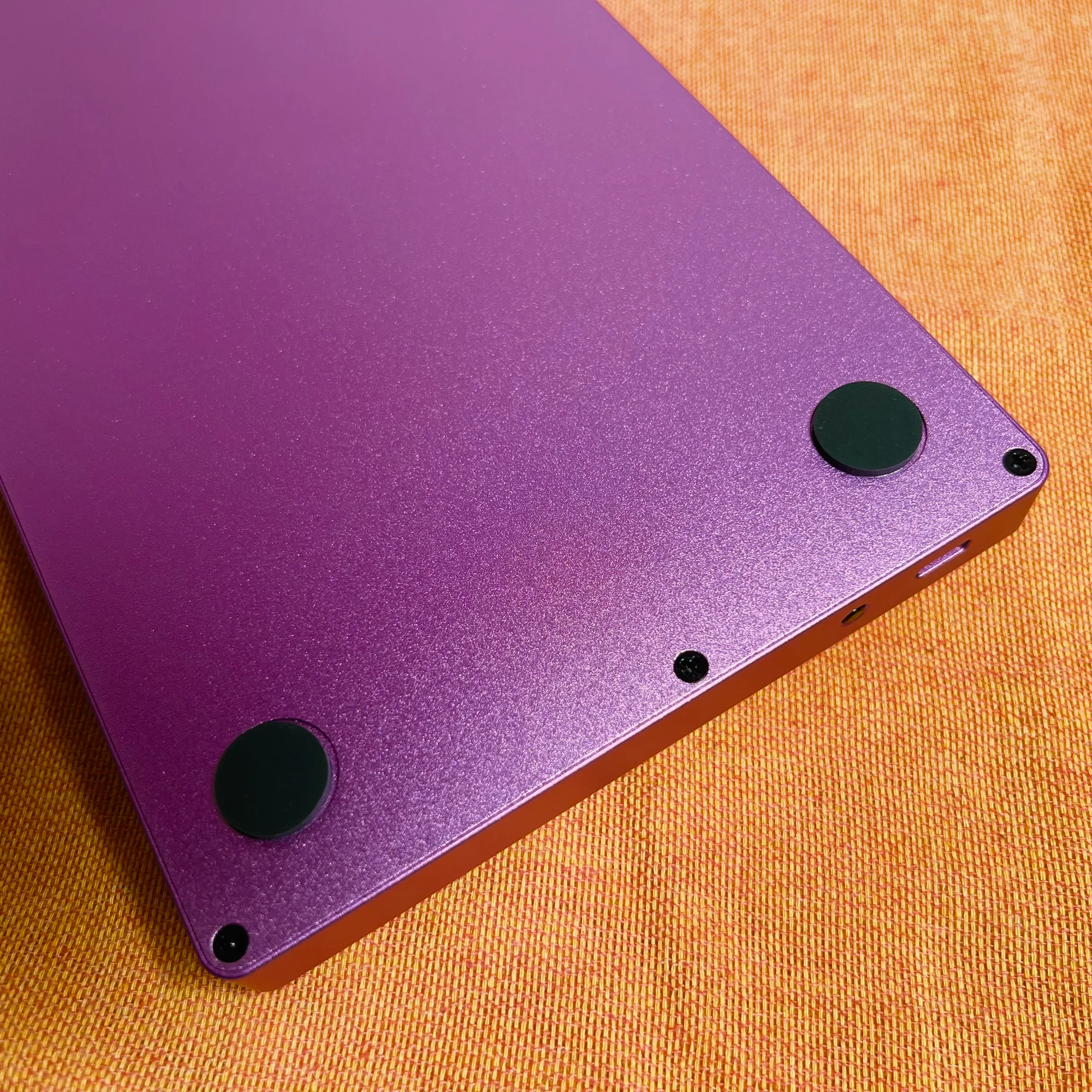
OXI ONE’s housing uses anodized aluminum. This provides high resistance to impact and abrasion. As of writing this article, I (Takazudo) have been using OXI ONE daily for about a year, and it’s in virtually scratch-free condition.
A carry case is included, so you can feel secure when traveling. That said, if you were to drop it or hit it hard, a small area might chip — but that’s about the extent of it.
Q: The controls look difficult. Will I be able to manage?
I (Takazudo) do think that this kind of device requires a certain learning curve. But even having used it for about a year as mentioned, I’m far from mastering all the features. I imagine most buyers research a few features that interest them, learn those, and apply them to their music.
There’s no Japanese-translated manual, but I recommend watching the tutorial videos on the OXI Instruments YouTube channel with auto-translated Japanese subtitles.
OXI ONE’s operation involves a lot of “hold a button while doing something else” type interactions, so even with a Japanese manual, learning each operation from text alone would be quite challenging. So watching the operations in videos and mimicking them yourself is the recommended learning method. The fact that OXI Instruments carefully provides these tutorials is something I appreciate, so please make use of them.
OXI Instrumentsについて
OXI Instruments はスペインのバルセロナを拠点とする電子楽器メーカーです。
OXI ONEを代表とし、デジタル技術を活かしたハイスペックで利便性の高いモジュールもリリースしているのが特徴です。
オマケ: 電氣美術研究會モジュラー小物セット付き
モジュラーシンセをもっと多くの方に触って欲しいという願いの元、電氣美術研究會さまにご協力頂き、モジュラー小物セットを本商品にバンドルさせて販売させていただいております。
パッチケーブルや電源ケーブル、ドレスナットのサンプルセット、モノラルスプリッターなど、内容は時期に応じて変化します。商品に同梱しますので是非お試し下さい!
That concludes our introduction of the OXI ONE.
We hope you find this helpful.