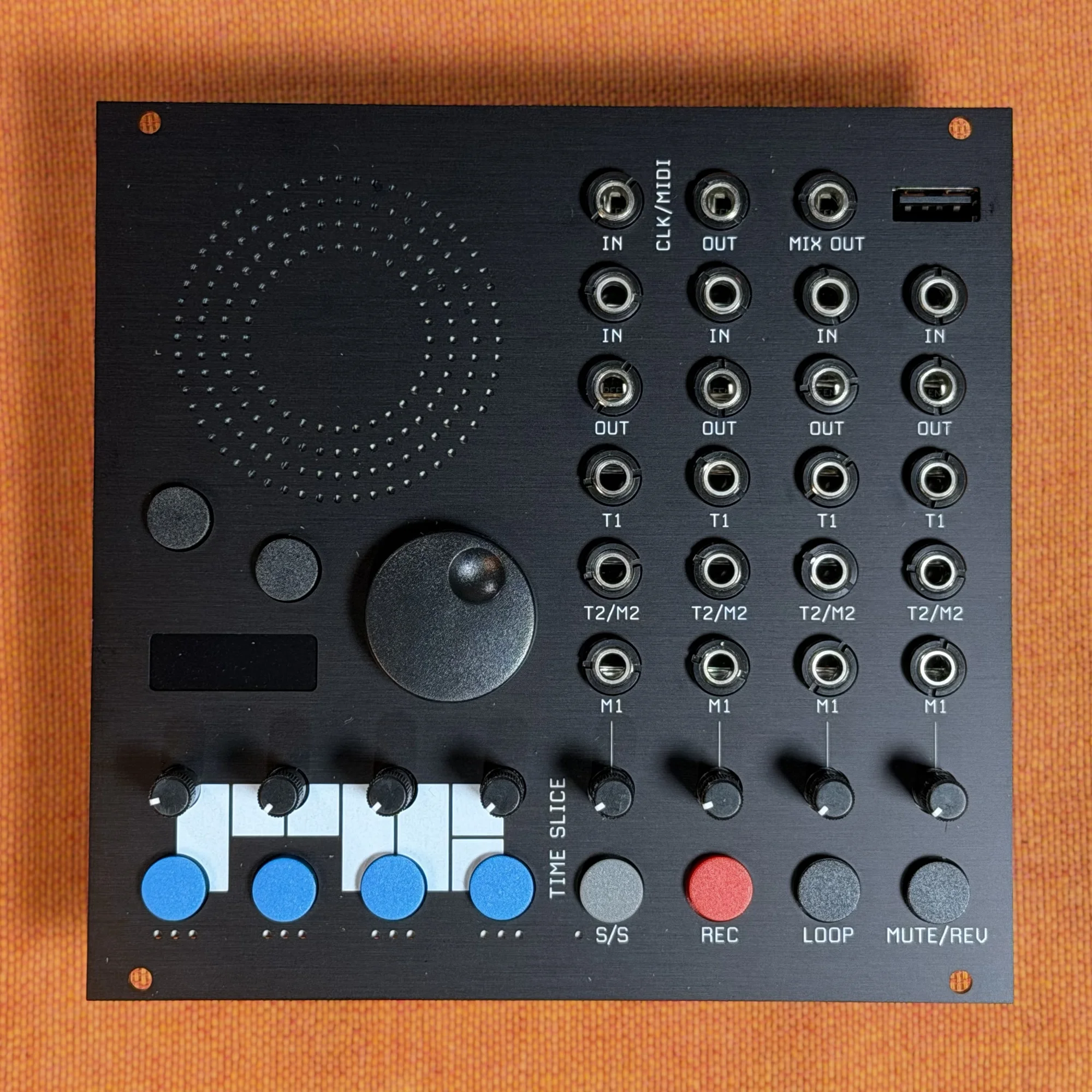
This is an introduction to the Time Slice by RYK Modular, available at Takazudo Modular. The Time Slice is a 26HP looper/sampling machine with 4-channel audio I/O and a stereo mix output.
Effects such as pitch shift, delay, reverb, tilt filter, and wave fold can be applied per track, and recorded loops can be saved as WAV files with WAV markers to internal storage or USB storage.
- Product Photos
- Manuals and Guides
- Overview
- 4-Channel Audio I/O and Stereo Mix Output
- Per-Track Effects
- Three Loop Modes
- CV and Trigger Control
- MIDI and Clock Sync
- Saving Recordings and WAV Markers
- Input Level Switching and Resampling
- Circular Display and Scroll Wheel
- Preloaded Samples and Loops
- Demo Video
- Technical Specifications
Product Photos
Manuals and Guides
Takazudo Modular publishes manuals and guide articles for this product. Please see below.
Overview
The Time Slice is not limited to plain loop recording and playback. It also processes recorded material with effects and lets you resample and layer that material, all in one module, giving it the character of a sampling machine as much as a looper.
A rough outline of what the module offers:
4-channel audio input and output, with a dedicated buffer per channel
Stereo mix output
H3000-style pitch shifter
Per-track effects (pitch shift / delay / reverb / tilt filter / wave fold)
Saving to internal storage and USB storage as WAV files with WAV markers
Per-track assignable CV inputs and trigger in/out
Retrospective, traditional, and 1-shot loop modes
4-track ping-pong resampling
MIDI and clock sync support
4-Channel Audio I/O and Stereo Mix Output
The Time Slice has four channels of audio input and output, each with its own dedicated buffer. That means four pieces of material can be recorded and handled completely independently.
Separately from those, a stereo mix output is provided. Since the four tracks can be taken out together in stereo, there's no need to run four cables around the modular system, and the connection to a mixer stays simple.
Per-Track Effects
The Time Slice provides the following effects on a per-track basis.
Pitch shift
Delay
Reverb
Tilt filter
Wave fold
The pitch shifter is an H3000-style one. The H3000 is known as Eventide's harmonizer, and being able to use that lineage of pitch shifting inside a modular system is one of this module's characteristics.
The fact that effects are applied per track matters as well. Since a different effect can be assigned to each of the four tracks, you can use one track's reverb to create space while another adds a lower layer with pitch shift.
Three Loop Modes
The Time Slice offers three loop modes with different characters.
Traditional Loop Mode
As with a typical looper, this mode starts recording, ends it at whatever length you like, and loops the result. This is the mode for using the module straightforwardly as a looper.
Retrospective Loop Mode
This mode continuously captures audio into the buffer, letting you go back after playing and extract a loop from what already happened. When using a looper, it's easy to end up with a good take that wasn't being recorded — this mode lets you pick that situation up after the fact.
1-Shot Loop Mode
Rather than looping the recorded material, this mode plays it back once in response to a trigger. It supports MIDI keyboards, so material can be played with pitch from a keyboard. Modulation via MIDI CC is supported as well.
In other words, recorded material can be treated directly as a sampler voice. You can trigger drum one-shots, or play a recorded phrase across a keyboard with pitch.
CV and Trigger Control
The Time Slice has assignable CV inputs. Since CV can be assigned to any parameter, things like effect depth or pitch shift amount can be controlled from an LFO or Envelope in the modular system.
In addition, each track has a trigger input and a trigger output. The trigger input can start recording or playback from an external source, and the trigger output can send loop timing to other modules. That means the looper can be treated as the timing center of the system.
MIDI and Clock Sync
The Time Slice supports MIDI and clock sync. Loops can be synced to an external sequencer, a DAW, or a Clock inside the modular system, so you can perform in tempo with other gear.
The MIDI keyboard playing and MIDI CC modulation in the 1-shot loop mode described above also come from this MIDI support.
Saving Recordings and WAV Markers
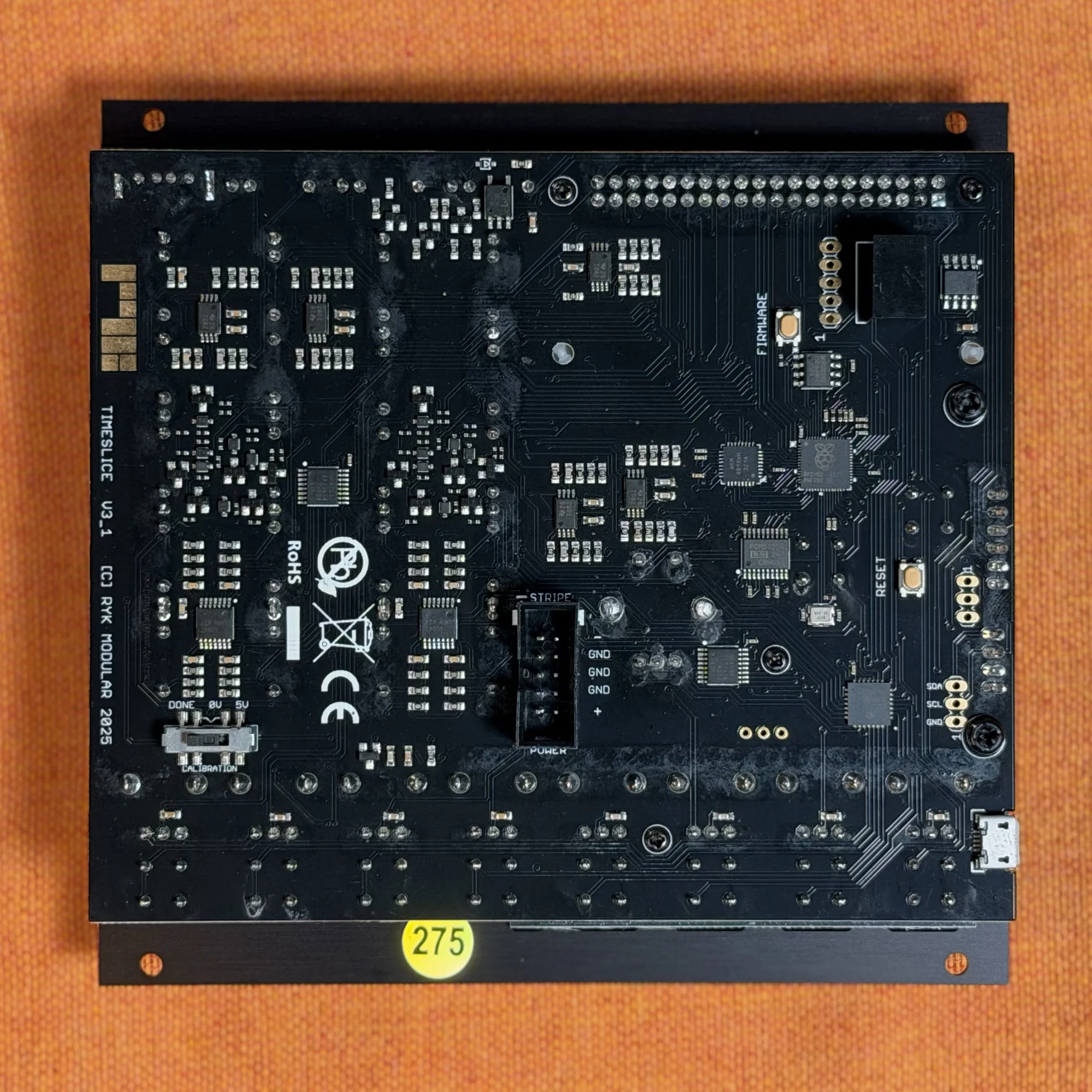
Recorded loops can be saved to either internal storage or USB storage. The format is WAV, and WAV markers are embedded in the files.
A WAV marker is a mechanism for carrying position information inside a WAV file. With markers embedded, information such as loop boundaries and slice positions stays in the file itself. If the destination you take the file to over USB storage is a DAW or sampler that supports WAV markers, that information can be read along with the audio. Being able to take material made inside the modular system out as an ordinary WAV file makes that material easier to handle in other environments.
Input Level Switching and Resampling
The Time Slice's input can be set to one of three levels: line, euro, and hot euro. Since it accepts both line-level input from external gear and modular-level signals, it also works as an entry point for bringing guitar pedals, mixers, and synths into a modular system.
It also supports 4-track ping-pong resampling. This is a method where the playback of one track is recorded through effects into another track, then on into the next, layering processing step by step. Because the processed state gets fixed as material, sound can be built up inside the single module.
Circular Display and Scroll Wheel
A red circular display sits at the center of the Time Slice's panel, and it is operated with a retro scroll wheel. Despite being a multi-function digital module, its interface is operated through the straightforward combination of a display and a wheel.
Preloaded Samples and Loops
The Time Slice ships with samples, loops, and effects already loaded. These were selected by the RYK Modular team together with collaborating musicians such as Scanner and Sound Dust.
Since you can play the material right after purchase to check the functions, it also helps in getting a grasp of what the module does.
Demo Video
Below is the Time Slice demo video from RYK Modular's official YouTube channel. It covers the module's functions through sound demos and operating techniques, so please take a look.
Technical Specifications
Width: 26HP
Depth: 25mm
Power consumption: 250mA +12V / 21mA -12V
About RYK Modular
RYK Modular is a modular synthesizer maker based in the UK.
RYK Modular makes modules that are unique yet genuinely practical. Their most talked-about module right now is the M185 — a classic sequencer reimagined in a form that feels right at home in a modular rig. Their VectorWave FM oscillator module is another standout.
Bonus: Modular Accessory Set by 電氣美術研究會 (Denki Bijutsu Kenkyukai) Included
In the hope that more people will get hands-on with modular synths, we have teamed up with 電氣美術研究會 to bundle a modular accessory set with this product.
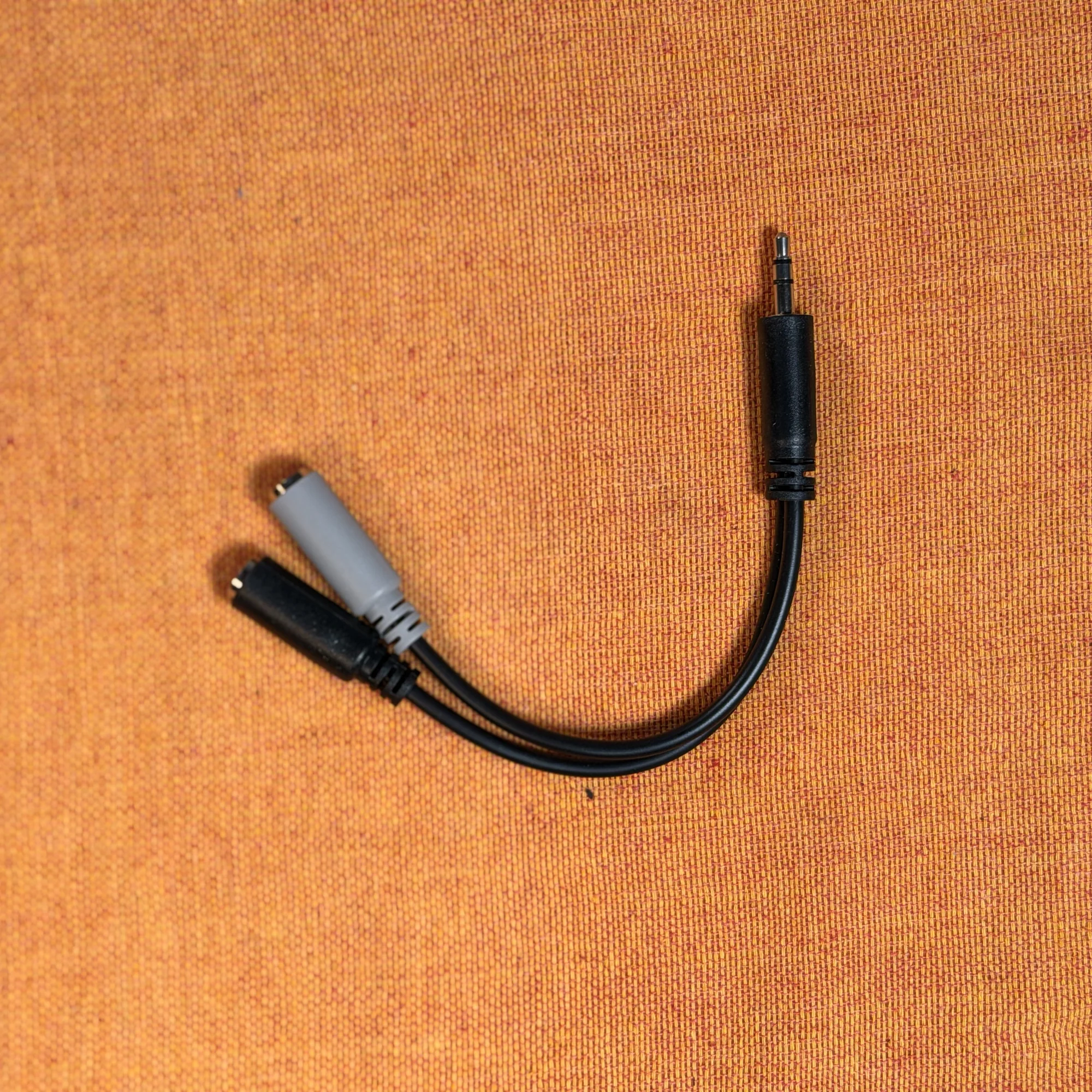
The contents vary by season — patch cables, power cables, a dress-nut sample set, a mono splitter, and more. The set is included with the product, so please give it a try!
That concludes the introduction to the Time Slice.
While it is a looper, it covers per-track effects, resampling, sampler-style performance over MIDI, and export to external storage in a single module. It's an option when you want to bring an axis of recording and reconstruction into your modular system.
We hope you found this helpful.