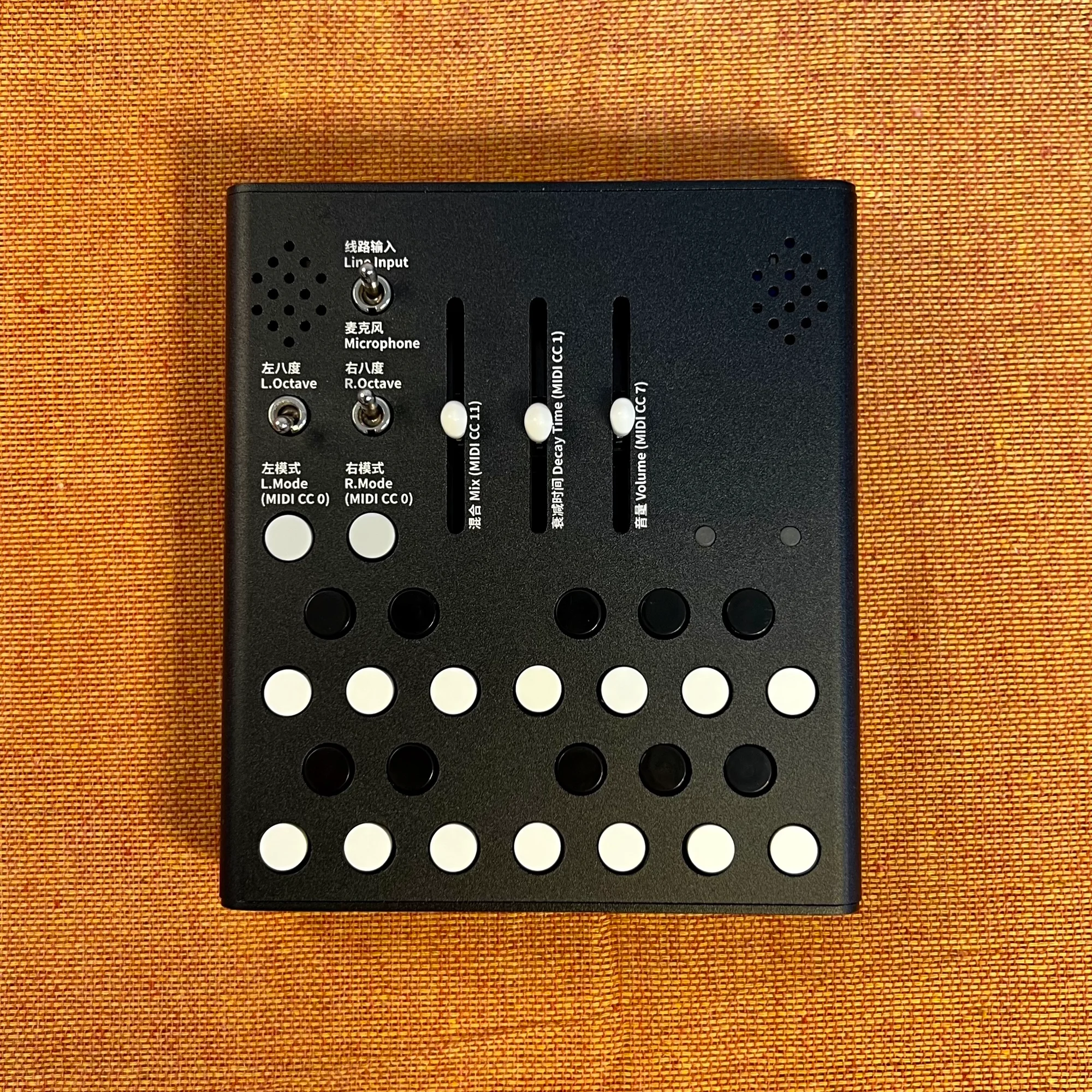
In this series, I'll be covering Wingie2 by Meng Qi (孟奇).
We carry Wingie2 here at Takazudo Modular. It's a standalone instrument that applies four different resonance modes to either its built-in mic or LINE input. All controls live on the front panel, with keyboard-style buttons for pitch selection plus MIDI input support. While it isn't a modular synth itself, you can take a modular-style approach with it through feedback loops and combinations with external sound sources.
In EP.1, I'll follow along with Meng Qi's own introductory video, All you wanna know about Wingie2, to cover an overview of Wingie2, the concept of resonator-style audio processing, and performance examples pairing it with Wing Pinger and the mannequins module lineup. The video itself is a short five-and-a-half-minute piece, but it's a great angle for getting a feel for "what kind of musical experience Wingie2 offers."
Takazudo Modular publishes manuals and related documents with Japanese translations. See the links below.
- Overview of Wingie2
- What Is a Resonator?
- Wingie2 Resonating with Surrounding Sound
- Combining with Wing Pinger via Feedback Loop
- Combining with the mannequins Module Lineup
- Wingie2 Demos
- Where Wingie2 Sits
Overview of Wingie2
At the start of the video, Meng Qi (孟奇) holds up Wingie2 and introduces the product himself. The video is published on Meng Qi's YouTube channel 合成少数派 Synthesis Minority.
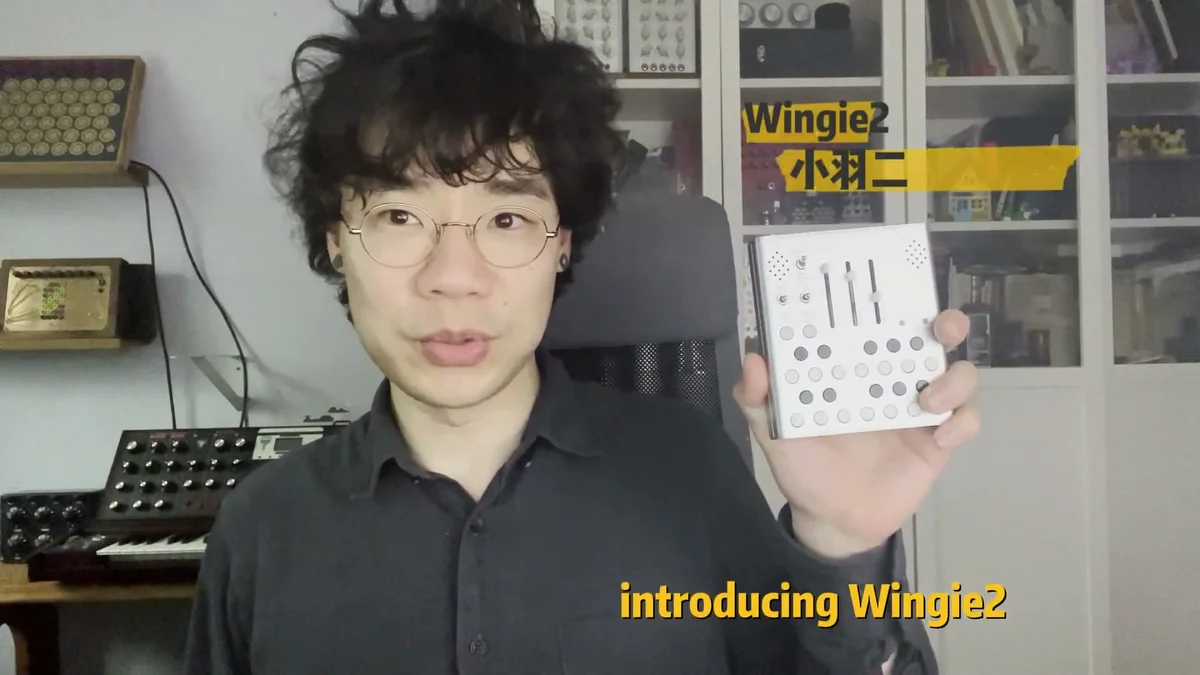
The features of Wingie2 that Meng Qi describes here are as follows:
Operates as a stereo resonator
Input source can be either the built-in mic or LINE input
All functions are operated from controls on the panel
Equipped with MIDI input for external control
The Wingie2 panel has sliders, knobs, and a row of keyboard-style buttons, plus a pair of holes along the top that house the built-in stereo microphones. Its basic operation is to apply resonance processing to audio coming in from LINE input or sound picked up by the mic, and send the result out through its stereo audio output. Wingie2 itself has no built-in speakers — you'll need headphones or external speakers to hear it.
What Is a Resonator?
The video moves on to explain "what a resonator is in the first place."
Meng Qi's definition of a resonator is "a device designed to emphasize sound at specific frequencies." This is used as an umbrella term covering audio processing devices and structures that boost certain frequency bands of an input signal.
A key point the video emphasizes is that resonators aren't a purely electronic invention — they have a long history in acoustic form first.
Acoustic Resonator Examples
The video introduces three examples of acoustic resonators.
1. Sitar Sympathetic Strings
The sympathetic strings of the sitar are not played directly — instead, they vibrate in resonance when the main strings are struck. This is one form of resonator.
2. Ondes Martenot Speaker
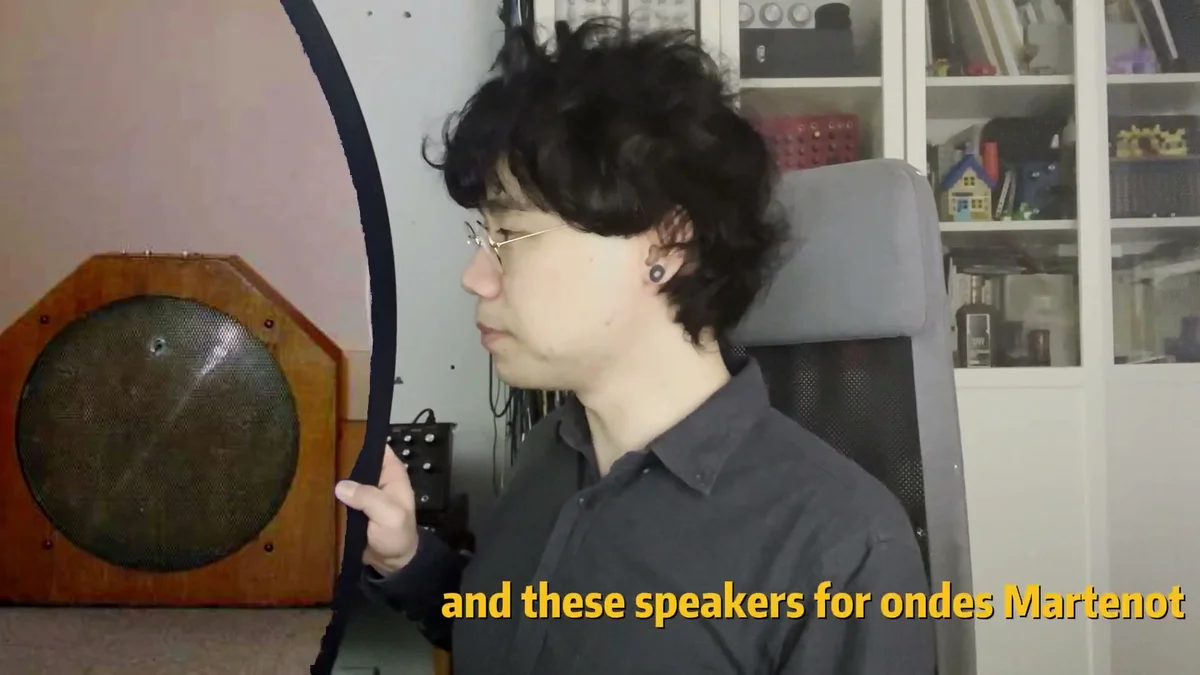
The dedicated speaker (the palme) for the ondes Martenot has gut strings stretched across it — strings traditionally made from animal intestine — which resonate with the instrument's output and add a distinctive set of overtones. This is another type of resonator.
3. The Body of a Kalimba
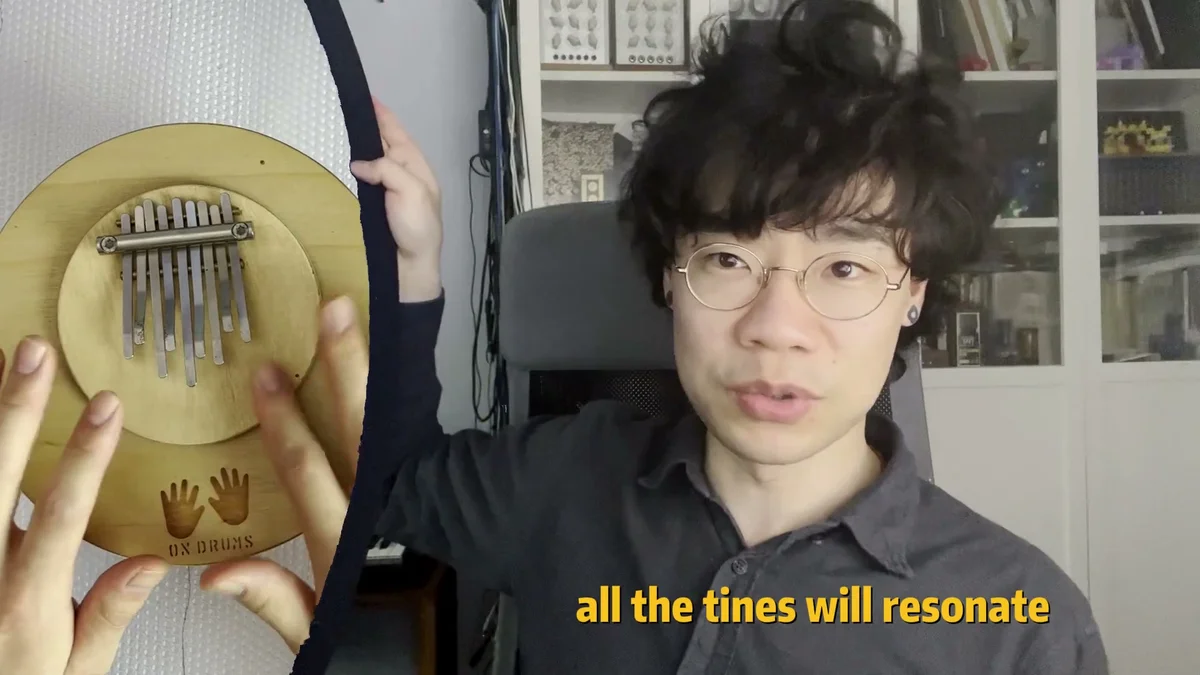
The kalimba is an instrument with thin metal tines mounted to its body, which you pluck with your fingers. Plucking just one tine causes the other tines attached to the body to ring along with it. This too is a kind of resonator.
In this way, resonators existed as part of the structure of instruments themselves long before they appeared as modern electronic gear — that's the perspective the first half of the video establishes. Wingie2 is built as an instrument that recreates and gives you control over this "resonance" phenomenon electronically.
Wingie2 Resonating with Surrounding Sound
Building on the resonator basics, the video moves to introducing the feature that "Wingie2 can resonate with any sound around it."
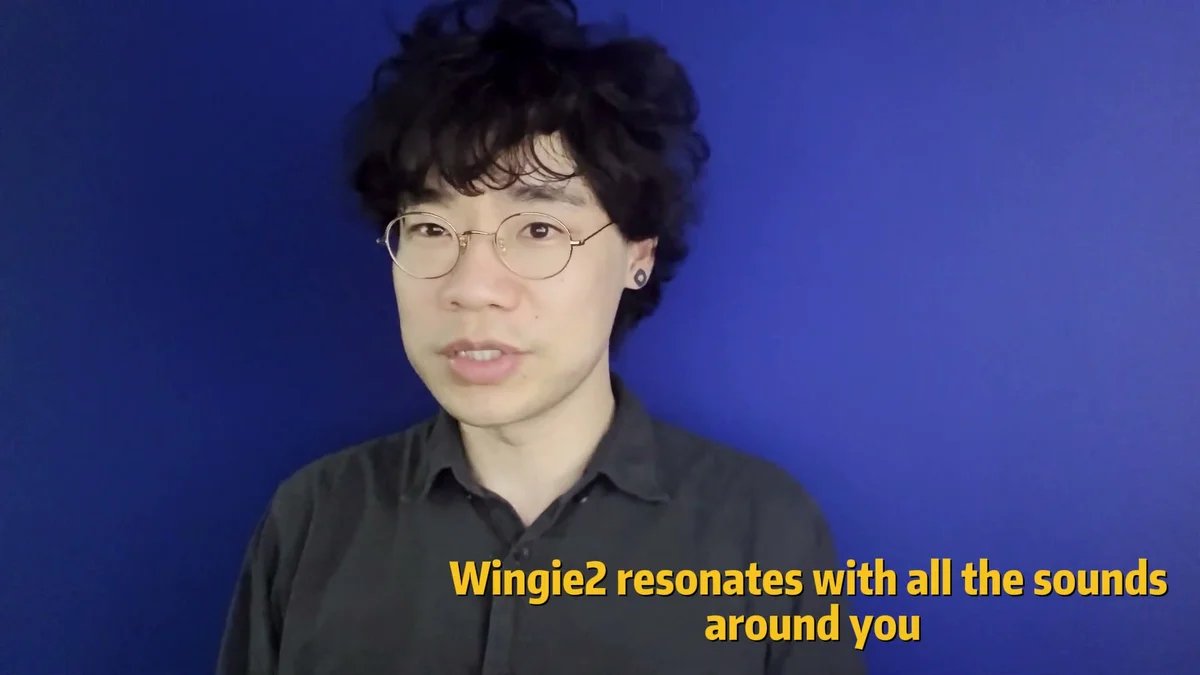
Because Wingie2 can pick up surrounding sound with its built-in mic, you can use any sound — tapping the desk, a voice, an instrument, ambient noise — as the input source for resonance processing, even with nothing connected to the LINE input. This is one of the big features of Wingie2 as an instrument that's fully self-contained as a standalone.
The video then presents a musical demonstration where Wingie2 reacts to the audio of the video itself. Meng Qi's voice and the sound of objects on the desk resonate through Wingie2, generating its own melodies and textures.
Combining with Wing Pinger via Feedback Loop
In the middle section, as an example of using Wingie2 alongside other gear, Meng Qi brings out another instrument of his own design — Wing Pinger.
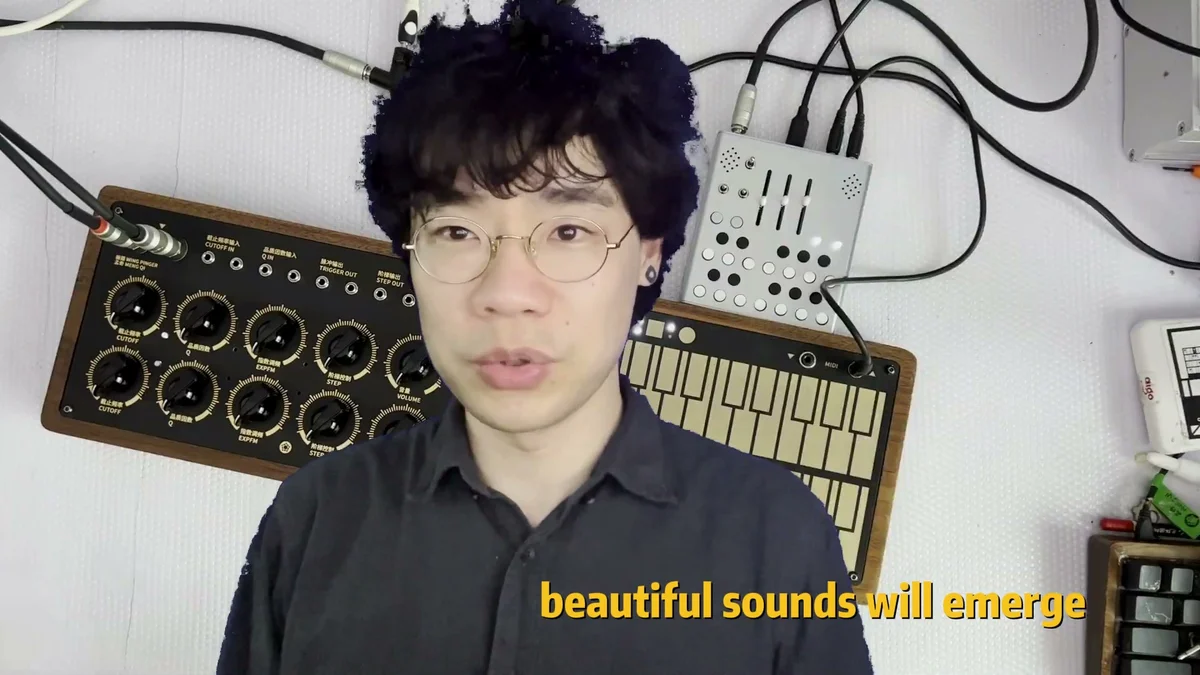
Wing Pinger is another standalone instrument Meng Qi developed — a pinging-style sound generator that also has keyboard buttons and a set of knobs on its panel. By sending Wing Pinger's output into Wingie2's LINE input and then routing Wingie2's output back into Wing Pinger's CUTOFF and TRIGGER, you can build a feedback loop.
The video has an extended segment showing the two instruments being played side by side, presenting sounds you couldn't get from either device on its own — sounds that emerge from the interaction. The idea here is that simply patching two standalone units together over audio gets you something close to a modular-style feedback patch.
Combining with the mannequins Module Lineup
The latter half of the video features a performance combining Wingie2 with Eurorack modules from mannequins.
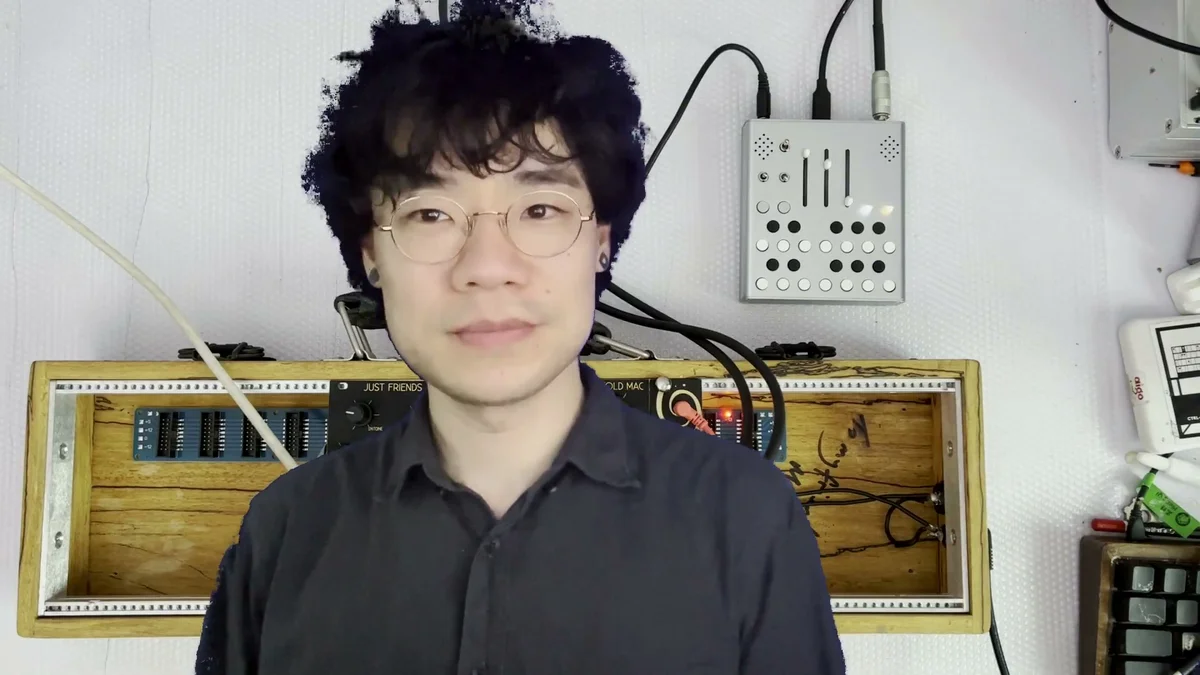
The modules lined up in the rack are:
Just Friends: 6-voice synth voice / function generator
Sisters: multi-mode filter
Cold Mac: utility / shaper
The setup routes the sound generated by these mannequins modules into Wingie2's LINE input, then takes Wingie2's resonance-processed sound out of its stereo audio output and into external speakers.
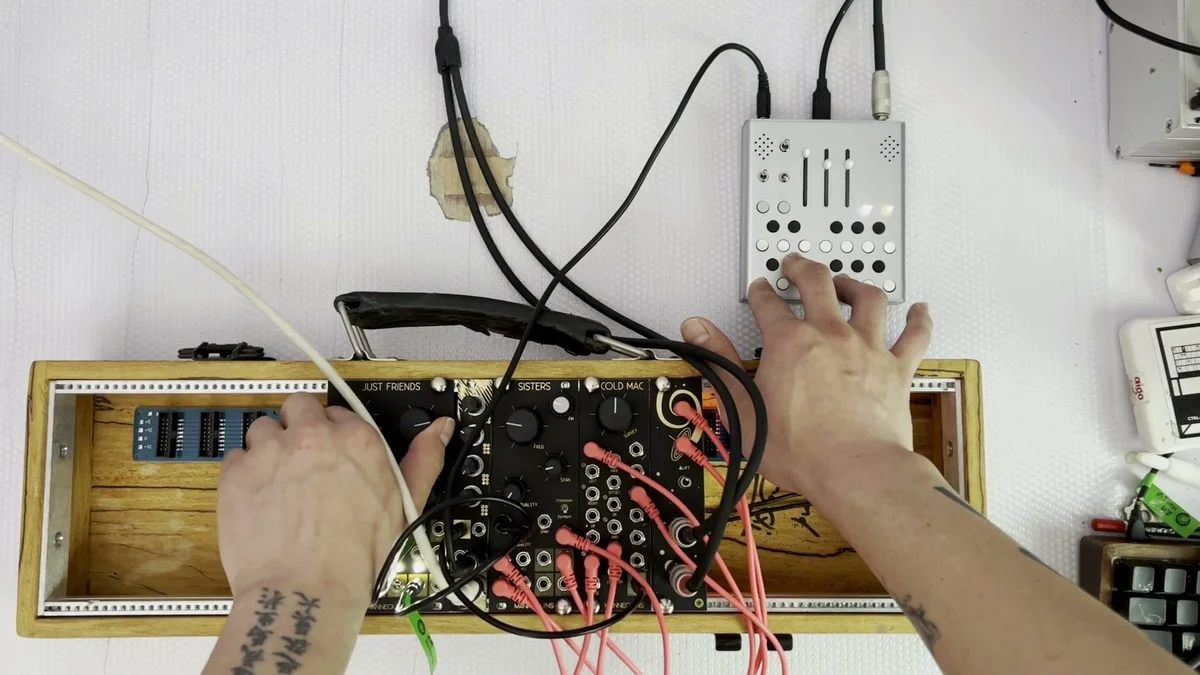
In this performance section, you can hear how adding Wingie2's resonance to Just Friends' output layers a resonator-specific harmony over the original sound. As you can see, Wingie2 is an instrument that can be combined with other modular synths and instruments.
Wingie2 Demos
There are several other performance demos using Wingie2 on the 合成少数派 (Synthesis Minority) YouTube channel. Each video shows a different way of combining Wingie2 with other instruments.
Where Wingie2 Sits
Across the video, the position Wingie2 occupies is the combination of these elements:
A self-contained standalone instrument — playable without owning a modular synth
Can pick up surrounding sound with the mic, so objects on your desk, your voice, or everyday ambient noise can all become source material
Has a LINE input, so it can be patched to other gear (modular, external synths, instruments) over audio
Has MIDI input, so it can be controlled from external MIDI controllers or sequencers
Plays as an instrument in its own right via pitch input from the keyboard buttons
All told, Wingie2 can be combined with a modular synth, with smaller electronic instruments, or — thanks to the built-in mic — used on its own to play with external sounds.