This is an introduction and overview of the OXI Split V2 by OXI Instruments, available at Takazudo Modular.
The OXI Split V2 is a MIDI I/O expansion device for the OXI ONE MKII. It can expand up to 6 MIDI ports and 96 channels, enabling integrated control of multiple devices.
This product is available for purchase below.
- Product Photos
- What Is the OXI Split V2
- Why You Need the OXI Split V2
- Evolution from the Original OXI Split
- How to Use
- Use Cases
- Specifications
Product Photos
What Is the OXI Split V2
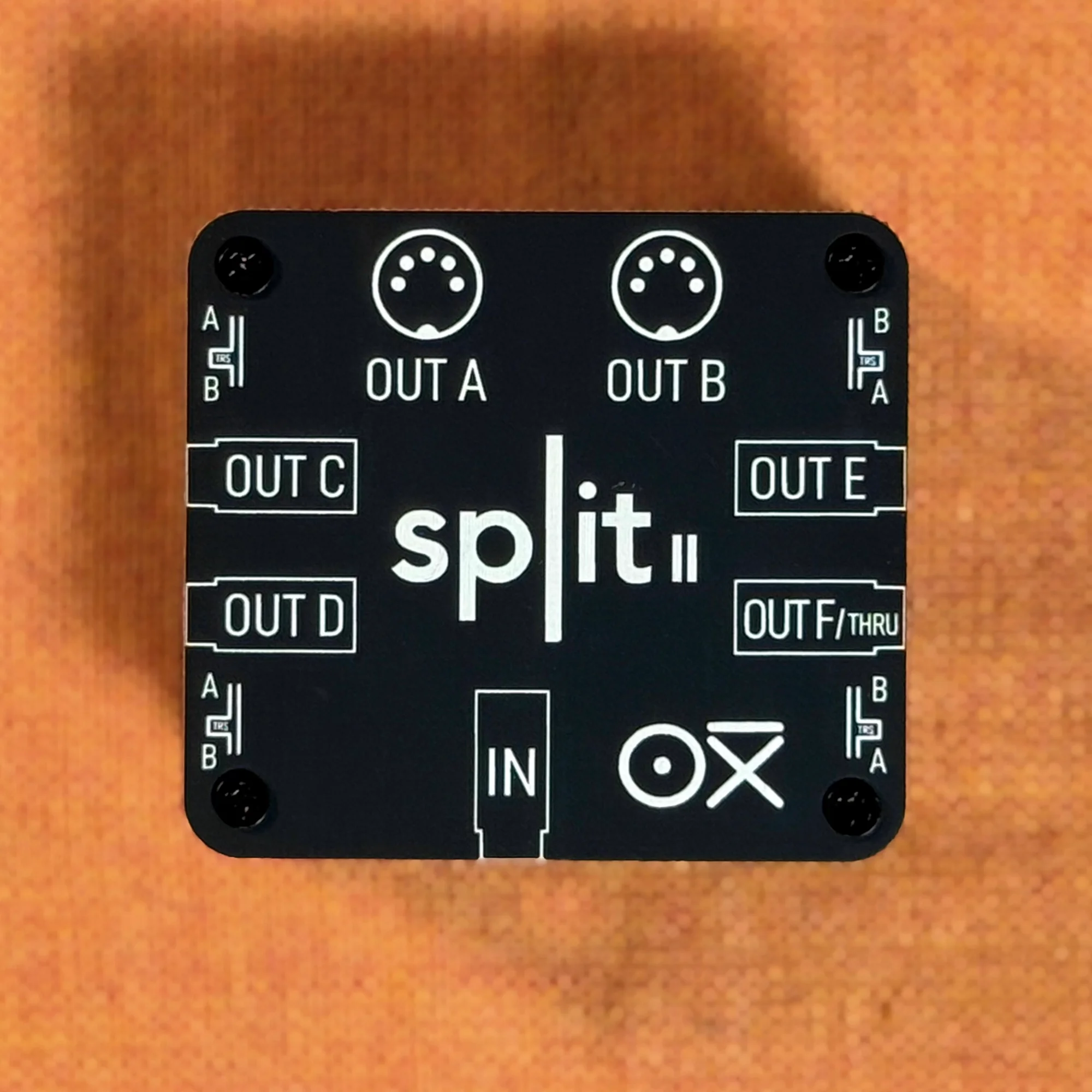
The OXI Split V2 is an expansion device for when you want to send MIDI output to multiple pieces of equipment. The OXI ONE MKII itself only has a single MIDI OUT jack, but by using the OXI Split V2, you can simultaneously control up to 6 MIDI devices.
Key Features
- Up to 6 MIDI ports: Expand the OXI ONE MKII’s port count
- 96-channel support: 16 channels x 6 ports
- Independent MIDI routing: Assign different channels to each port
- Compact design: Space-efficient wiring
- High-quality signal transmission: Minimized latency and data loss
Why You Need the OXI Split V2
For example, if you want to simultaneously control MIDI-compatible modules like:
These devices typically don’t have a MIDI THRU interface, so the OXI ONE MKII’s single MIDI output cannot control all of them simultaneously. By routing through the OXI Split V2, you can send individual MIDI output to three or more devices.
Of course, you can also connect non-modular MIDI-controllable synthesizers, drum machines, samplers, and more. It expands the possibilities of the OXI ONE MKII.
Evolution from the Original OXI Split
The OXI Split V2 has evolved from the original OXI Split in the following ways:
- Increased port count: From 3 ports to 6 ports
- Expanded channels: From 48 channels to 96 channels
- Improved circuit design: More stable signal transmission
- Optimized for OXI ONE MKII: Designed to support new features
How to Use
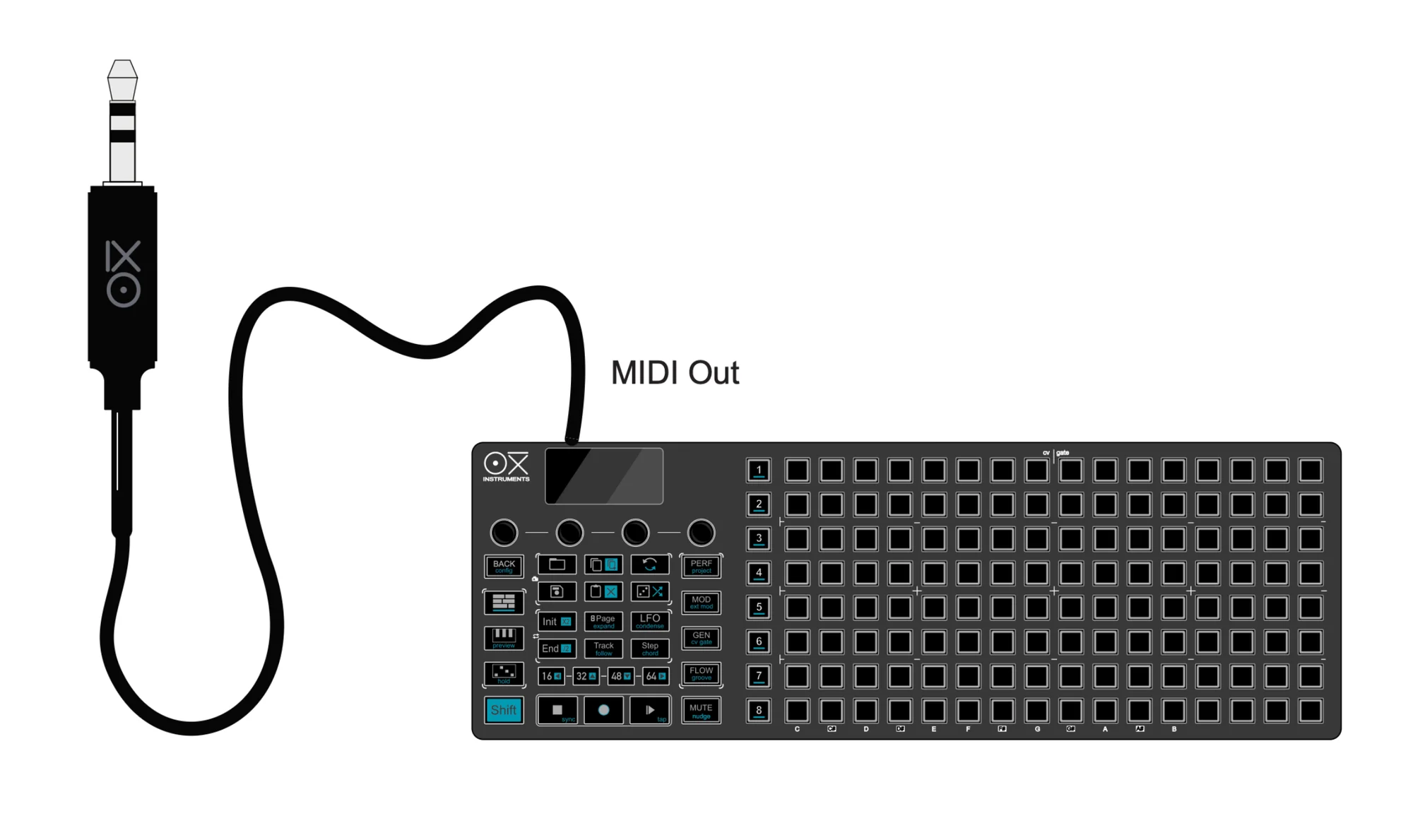
Setup Procedure
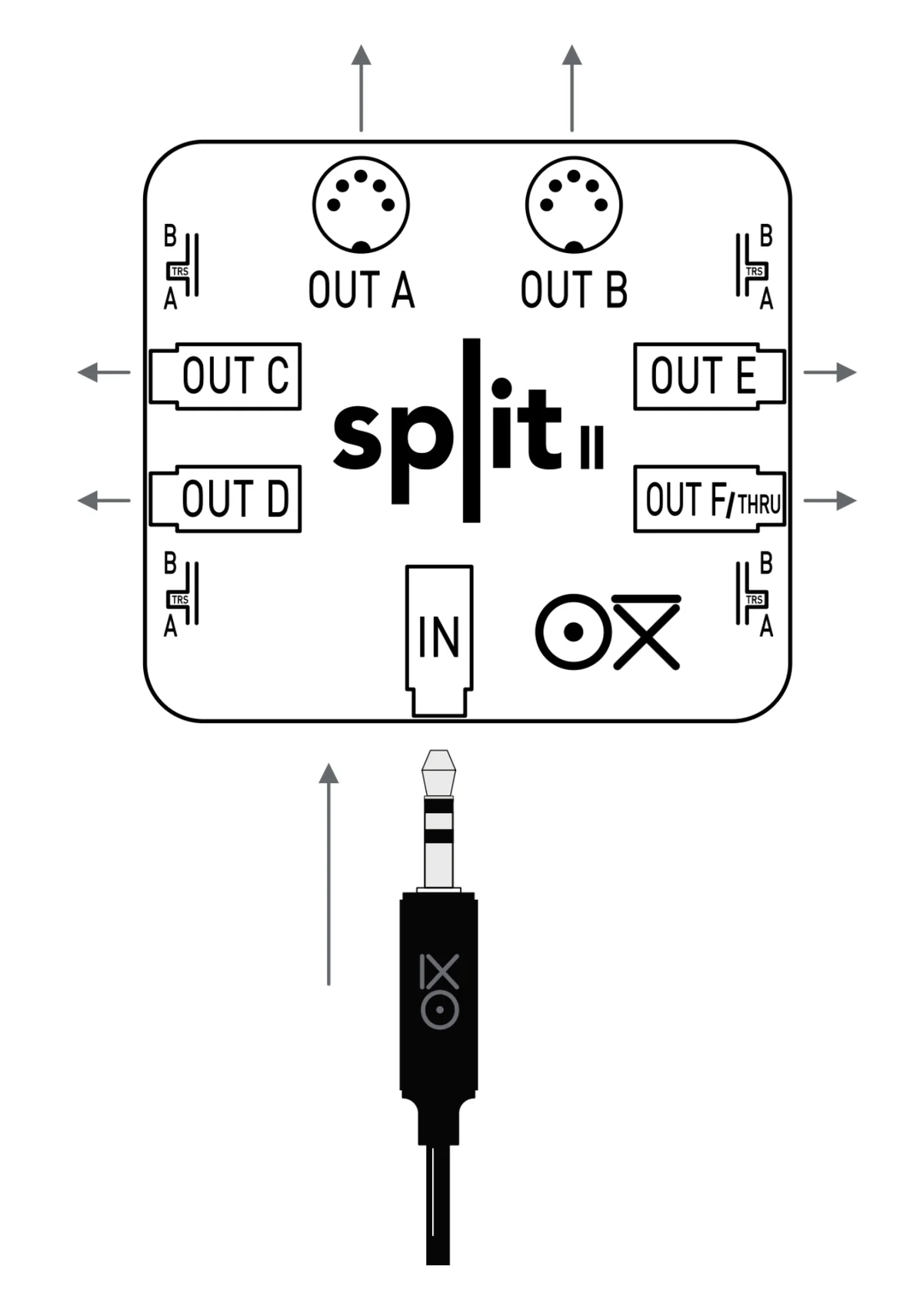
1. Physical Connection
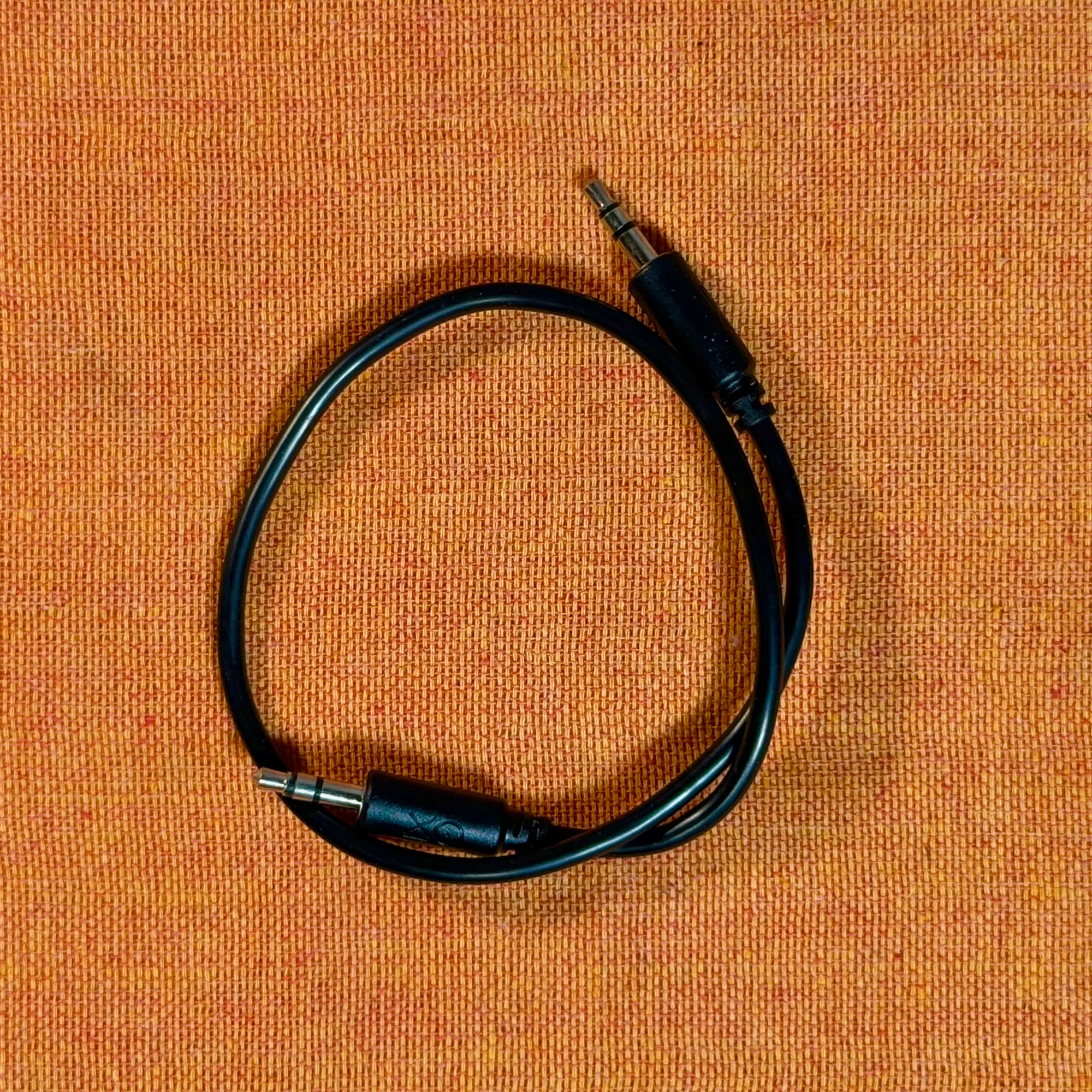
Use a TRS cable (3.5mm) to connect the OXI Split V2 to the OXI ONE MKII.
- Connect the OXI ONE MKII’s MIDI OUT terminal to the OXI Split V2’s IN terminal with a TRS cable
- Connect each MIDI OUT terminal on the OXI Split V2 to the devices you want to control
- 2x 5-pin DIN outputs (OUT A, OUT B)
- 4x TRS outputs (OUT C, OUT D, OUT E, OUT F/THRU)
2. Settings on the OXI ONE MKII
Configuration on the OXI ONE MKII side is required to use the OXI Split V2.
- Access Config > MIDI > OXI Split menu
- Select based on the connected device:
- OXI Split V1: 3-port output (older model)
- OXI Split V2: 6-port output (this product)
- When disconnecting the Split V2, set the setting back to OFF
3. MIDI Channel and Port Assignment
Assign MIDI ports and channels to each sequencer track.
- Press [Shift] + Seq [1] - [8] to access each sequencer’s settings menu
- On the first page, set the MIDI channel and port
- Ch (Channel): 1-16
- Port: A, B, C, D, E, F
- Out: Output destination setting (ALL, specific port)
- Mode: MONO/POLY mode setting
4. Port Configuration
When using the OXI Split V2, the following 6 ports become available:
- Port A (OUT A): Channels 1-16 (5-pin DIN)
- Port B (OUT B): Channels 1-16 (5-pin DIN)
- Port C (OUT C): Channels 1-16 (TRS Type A/B switchable)
- Port D (OUT D): Channels 1-16 (TRS Type A/B switchable)
- Port E (OUT E): Channels 1-16 (TRS Type A/B switchable)
- Port F (OUT F/THRU): Channels 1-16 (TRS Type A/B switchable, MIDI Thru function)
Total: 96 channels (16 channels x 6 ports)
5. TRS Type A/B Setting
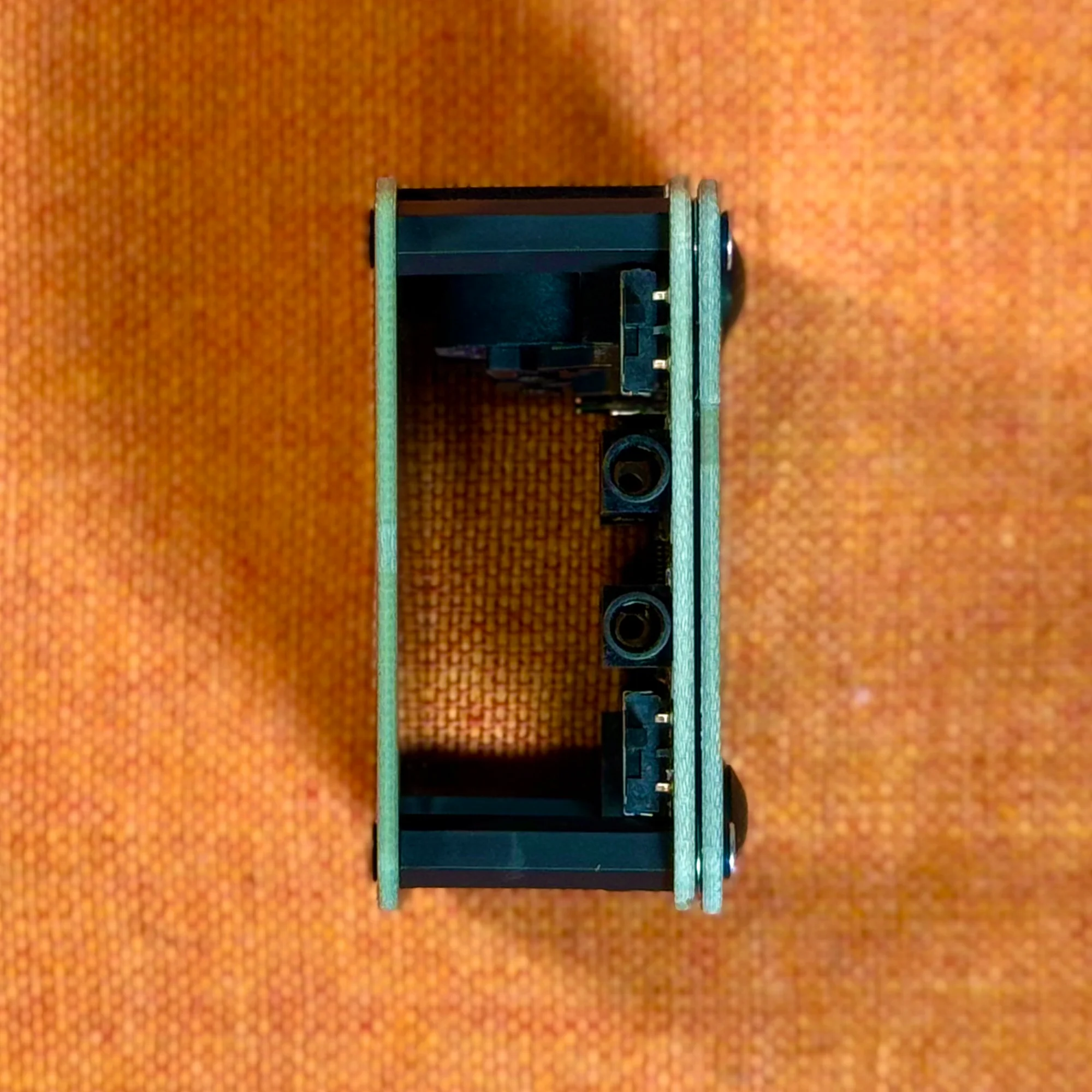
The TRS outputs (OUT C, D, E, F) on the OXI Split V2 can be switched between Type A or Type B to match the connected device. Each output can be configured individually using the switches on the Split unit itself.
6. MIDI Thru Function
Port F (OUT F/THRU) can be used as a MIDI Thru function. You can select MIDI Out or Thru in the OXI ONE MKII settings. This allows you to pass through MIDI signals received from external sources to other devices.
Configuration Example
For example, when individually controlling 3 synthesizers:
- Sequencer 1 → Port A, Channel 1 → Synth 1
- Sequencer 2 → Port B, Channel 1 → Synth 2
- Sequencer 3 → Port C, Channel 1 → Synth 3
By setting each device’s receive MIDI channel, you can control them individually from the OXI ONE MKII.
Use Cases
Large-Scale Setups
- Multiple digital synth modules
- Drum machines
- Samplers
- Effect processors
- External sequencers
All of these can be controlled in an integrated manner from the OXI ONE MKII.
Live Performance
In a live environment, controlling multiple pieces of equipment from a single sequencer enables more complex and rich performances.
The OXI Split V2 functions as the core of such large-scale setups.
Specifications
- MIDI input: 1x TRS (3.5mm Type A)
- MIDI output: 2x DIN (5-pin) + 4x TRS (3.5mm Type A/B switchable)
- Supported channels: 96 channels (16ch x 6 ports)
- Power: USB powered
- Size: Compact enclosure design
OXI Instrumentsについて
OXI Instruments はスペインのバルセロナを拠点とする電子楽器メーカーです。
OXI ONEを代表とし、デジタル技術を活かしたハイスペックで利便性の高いモジュールもリリースしているのが特徴です。
オマケ: 電氣美術研究會モジュラー小物セット付き
モジュラーシンセをもっと多くの方に触って欲しいという願いの元、電氣美術研究會さまにご協力頂き、モジュラー小物セットを本商品にバンドルさせて販売させていただいております。
パッチケーブルや電源ケーブル、ドレスナットのサンプルセット、モノラルスプリッターなど、内容は時期に応じて変化します。商品に同梱しますので是非お試し下さい!
That concludes our introduction of the OXI Split V2.
An essential accessory for anyone using the OXI ONE MKII to control multiple MIDI devices. It lets you build larger, more complex setups and expand your creative possibilities.
We hope you find this helpful.